Links
It's Apple. Visit their offline store or authorized store. If you can't stick to their official websites.
STICK TO OFFICIAL APPLE FOR APPLE PRODUCTS
Many a many consumers have wasted their money getting it just a bit cheaper from other sites like Amazon or Flipkart.
Summary/Purchase Decision Videos
MacBook Neo is a bit more than an iPad without a touchscreen.
- Softwares you need to run define your OS. If there is a specific software that will only work on one particular OS like Windows or Linux and not on MacOS, that should be the deciding factor no matter how great the Macbook looks.
- The only reason this "laptop" got a chance and then crushed all other Windows laptops/Chromebooks was that Microsoft & Google along with all the laptop companies allowed terrible thin laptops to exist in this price range. I mean absolute shit laptops, ones you should never buy and I stop people buying all the time.
If you can live with the apps only available on apple and a few more with compatibility, you will be just fine as long as you don't start pushing it too much. - By the time you start using it and start buying external SSDs, dongles, adapters, cables, you will already have spent enough to buy a new MacBook Air if you don't want to buy used. Also, you have to get the 512GB version anyways.
- This runs full fledged MacOS and isn't like Chromebook [6] so don't compare with that.
- A great slightly heavier alternative used to be Thinkpad with Linux instead of Windows. If that is in your budget and your software requires Windows/Linux.
Cautions: VVI before you buy
- Some units have severe ghosting[2]. Only buy from places where you can return it within a few weeks.
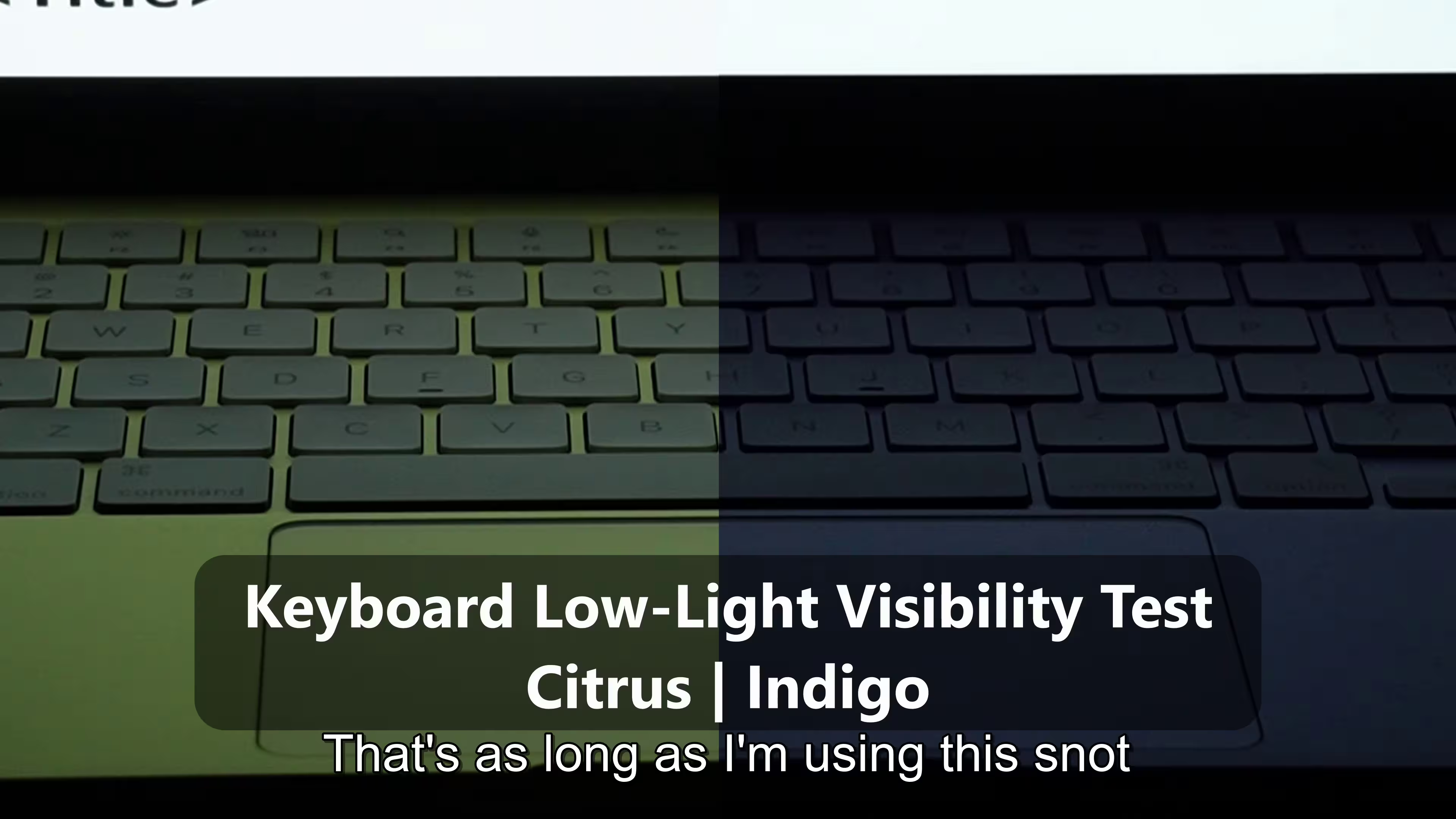
- Pick a color of the laptop on which the keys can actually be seen. The Purple color is the worst.
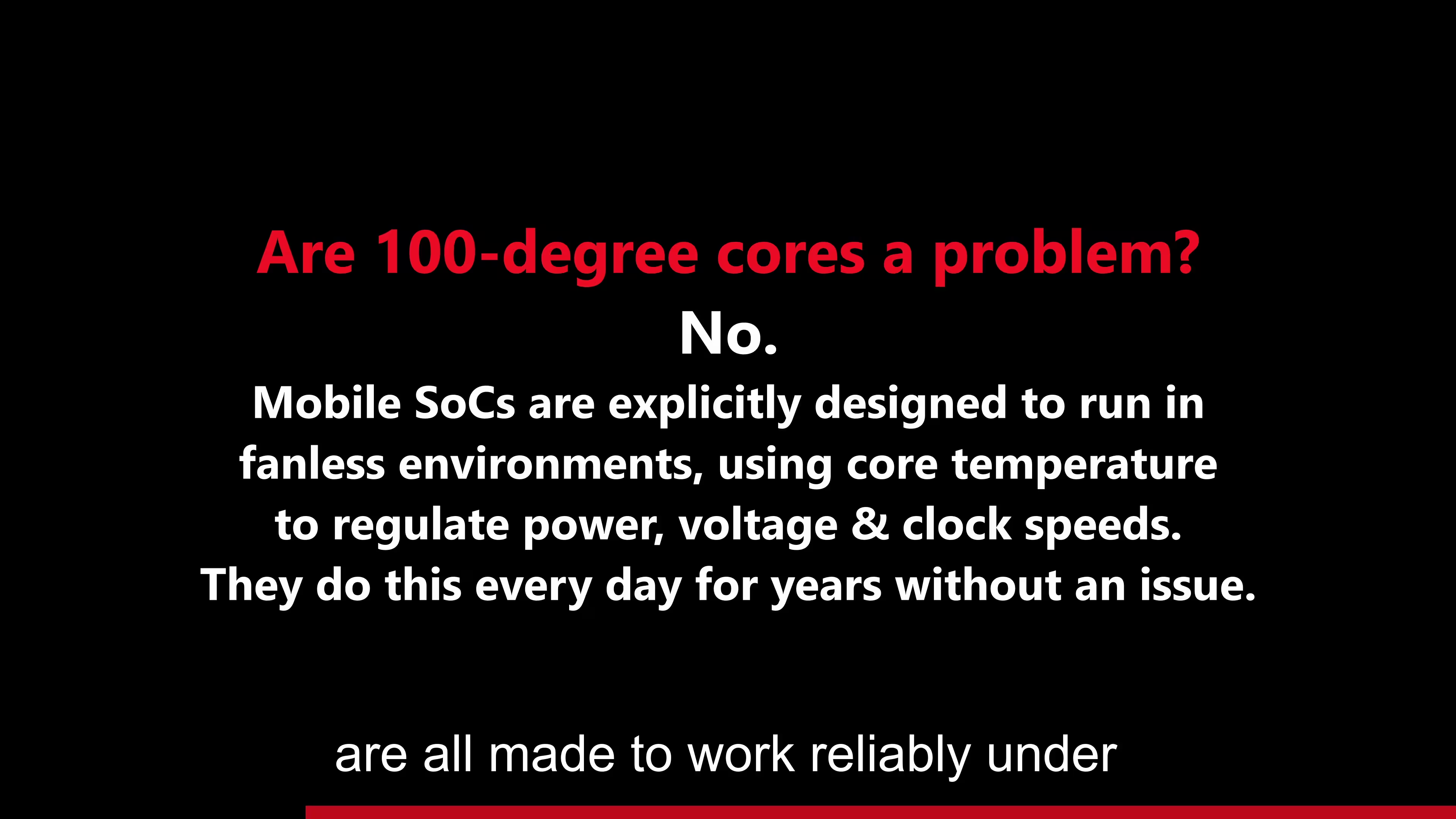
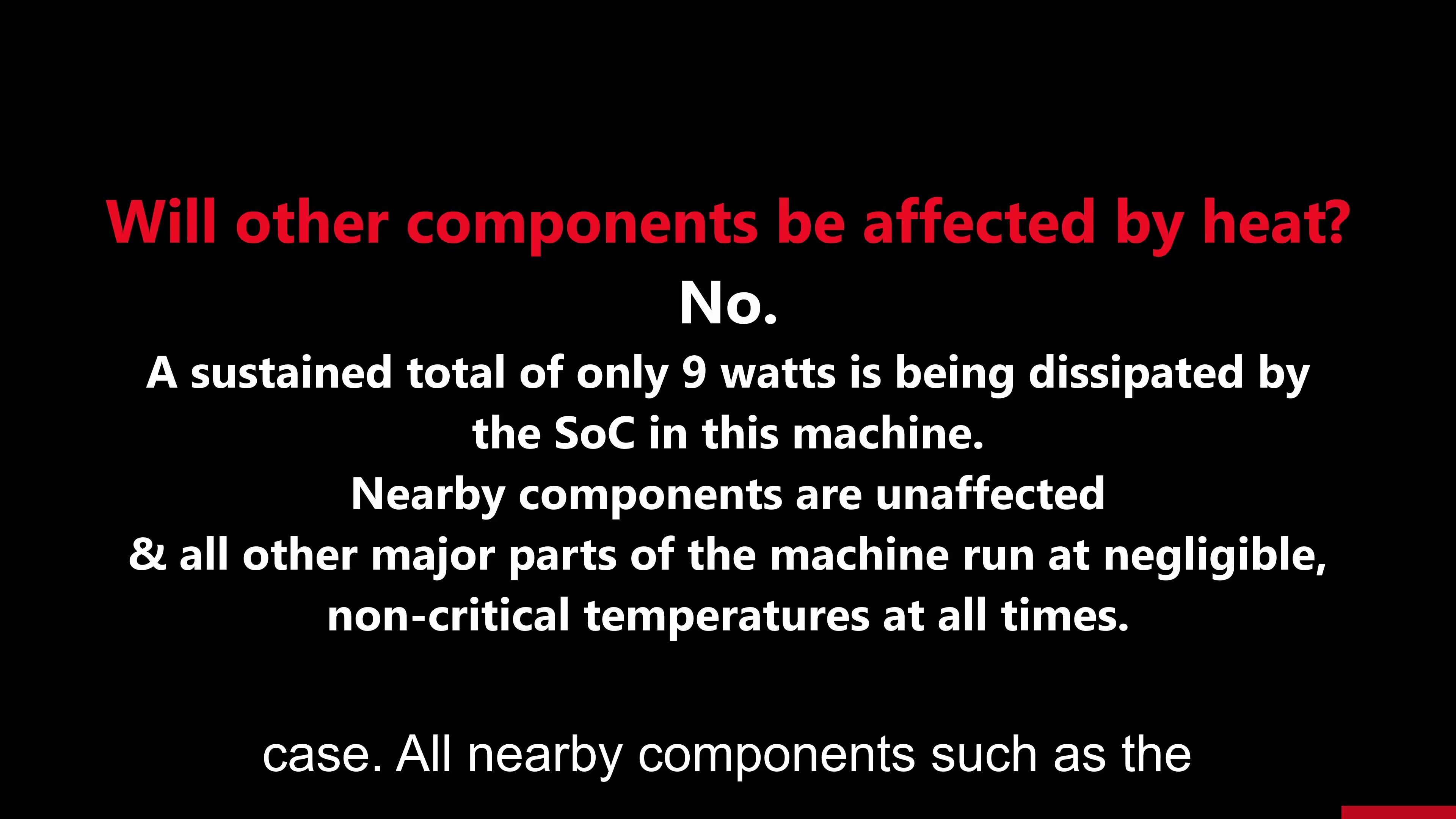
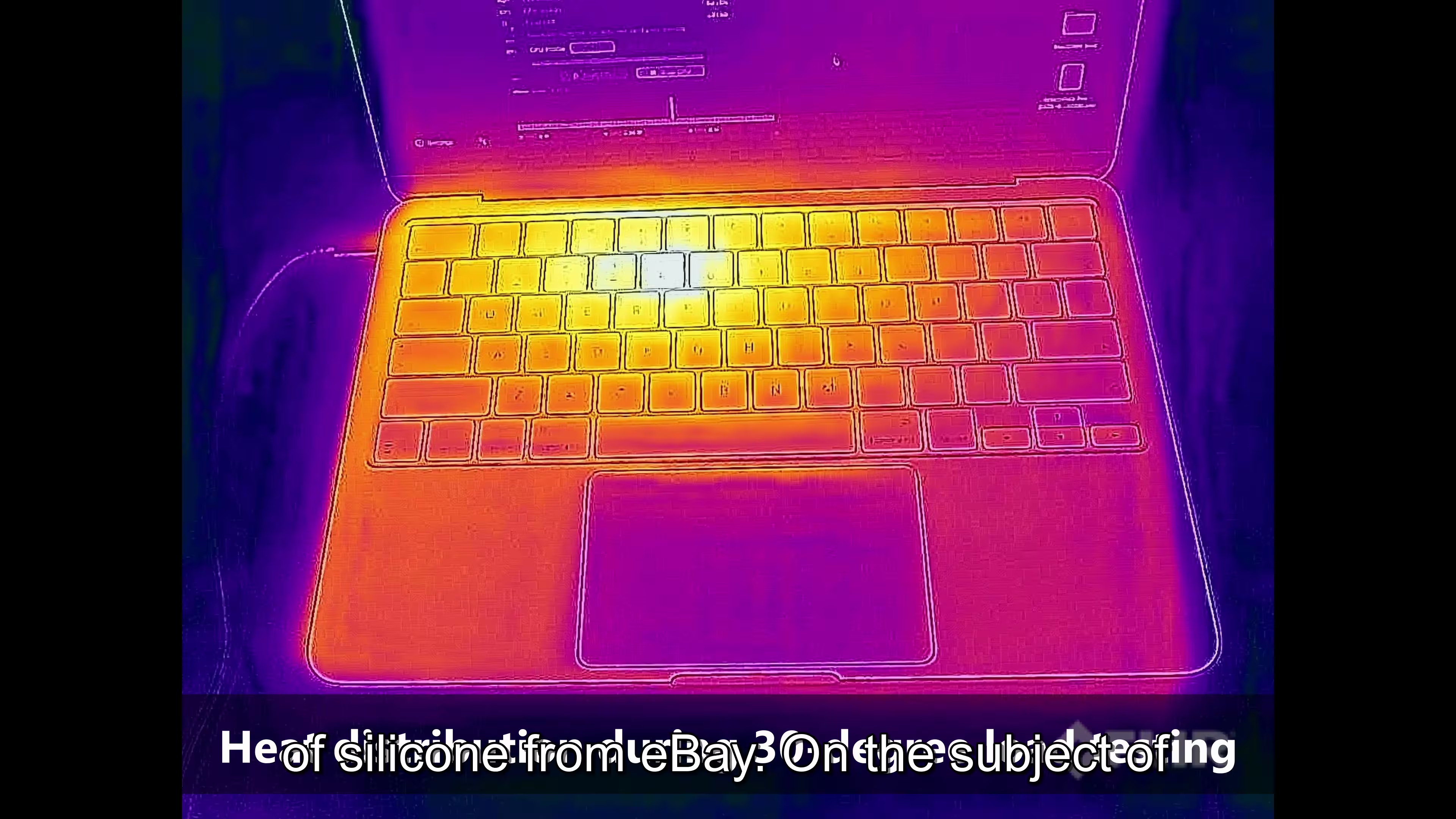
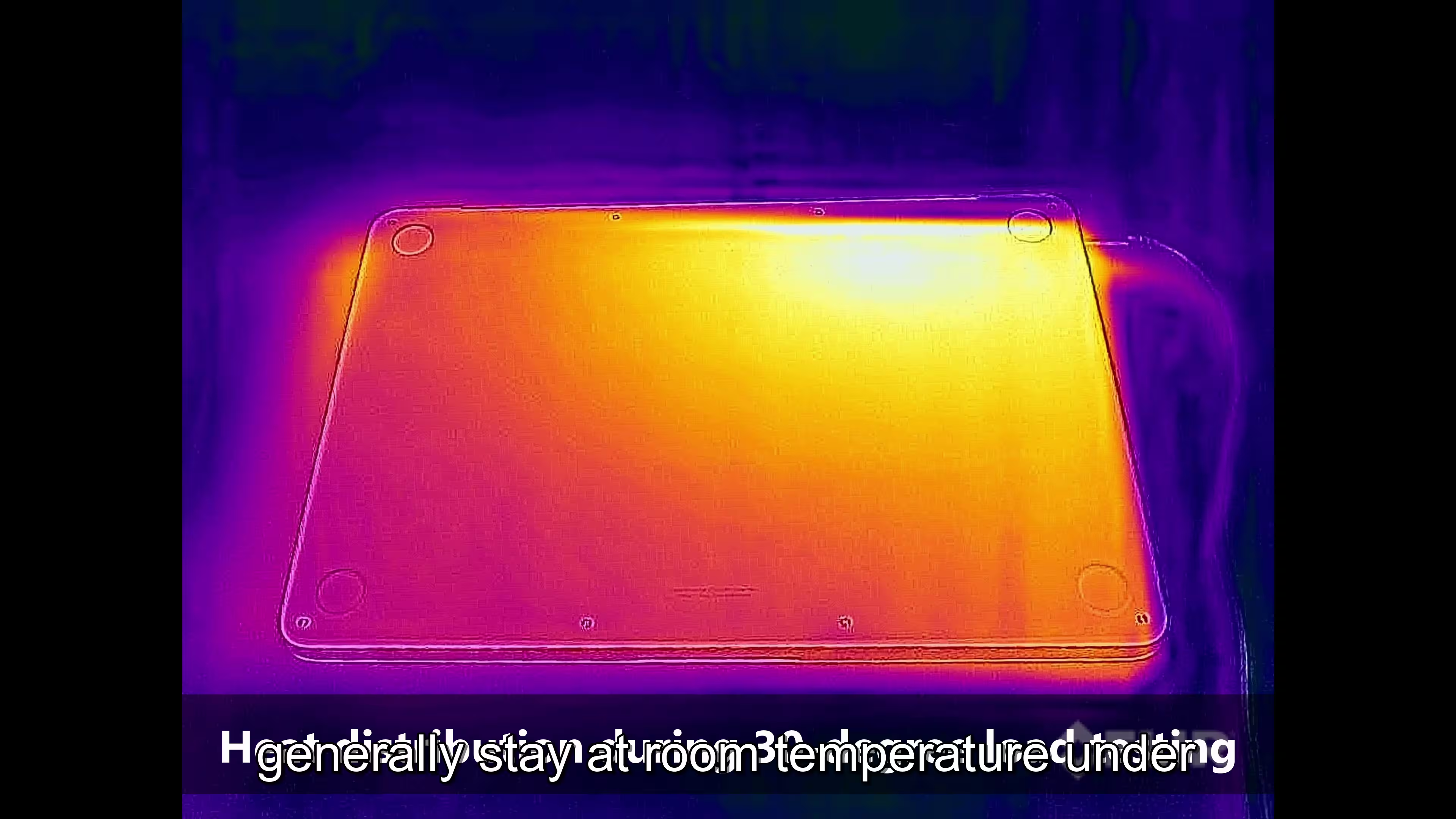
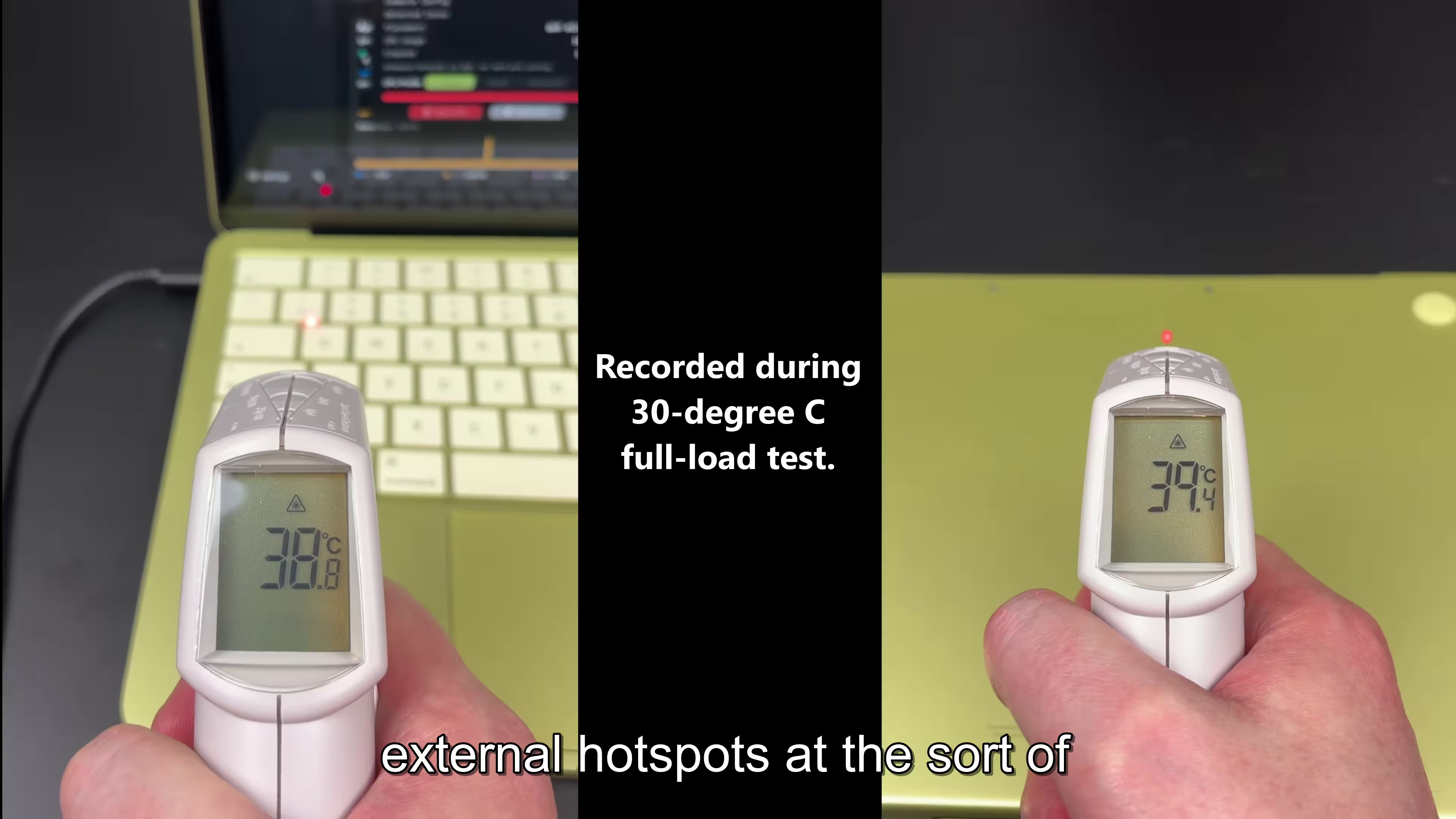
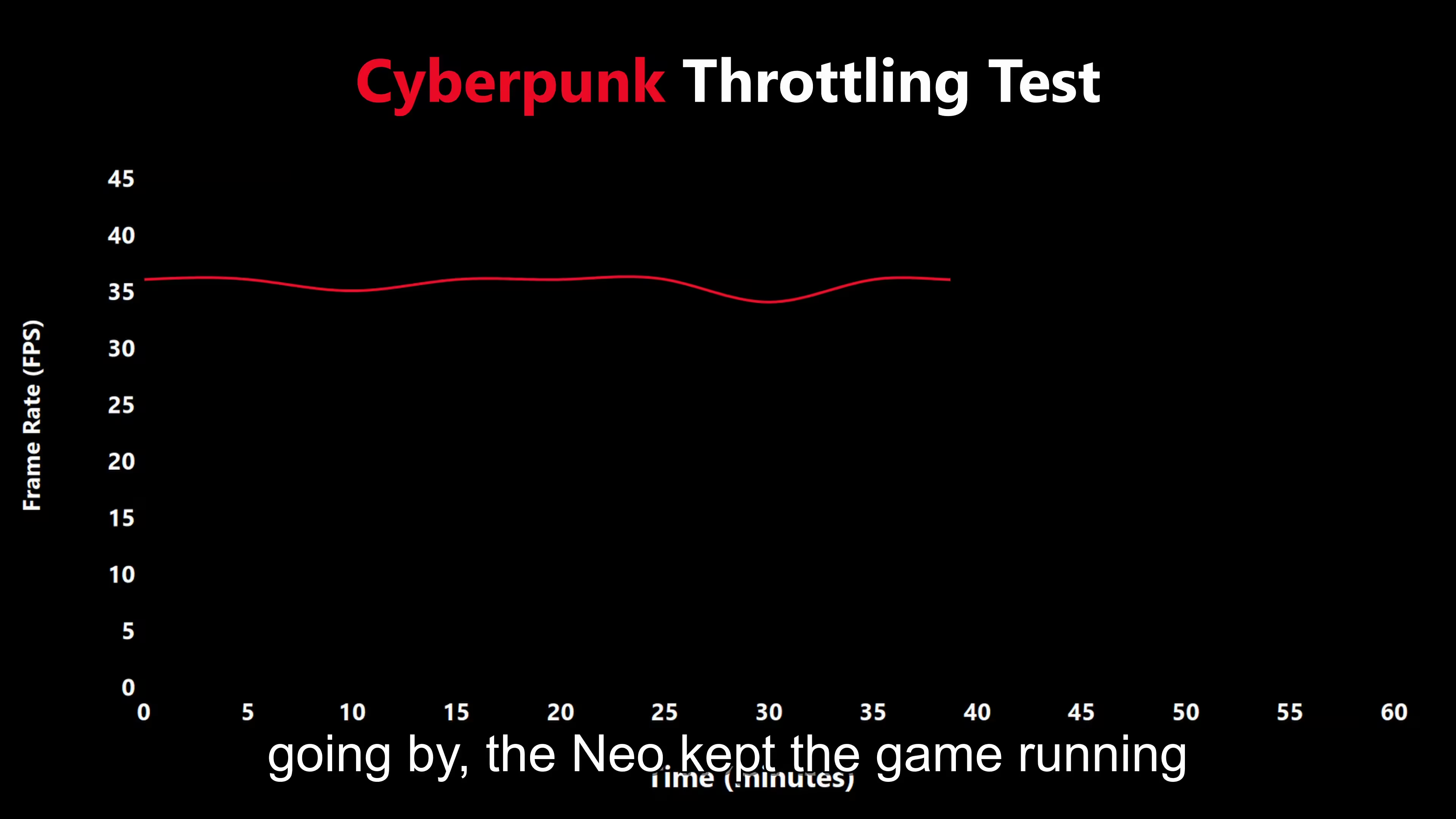
- Macbook Neo's are fanless and are rated for 0 to 35°C at RTP(High Humidity decreases the highest acceptable temperature) which means in a hot environment trying to push this machine is not a good idea, and the "push" might not even be something you considered as "pushing" it. The point is, be ready for some slow-downs in high tempertaure and high workload.
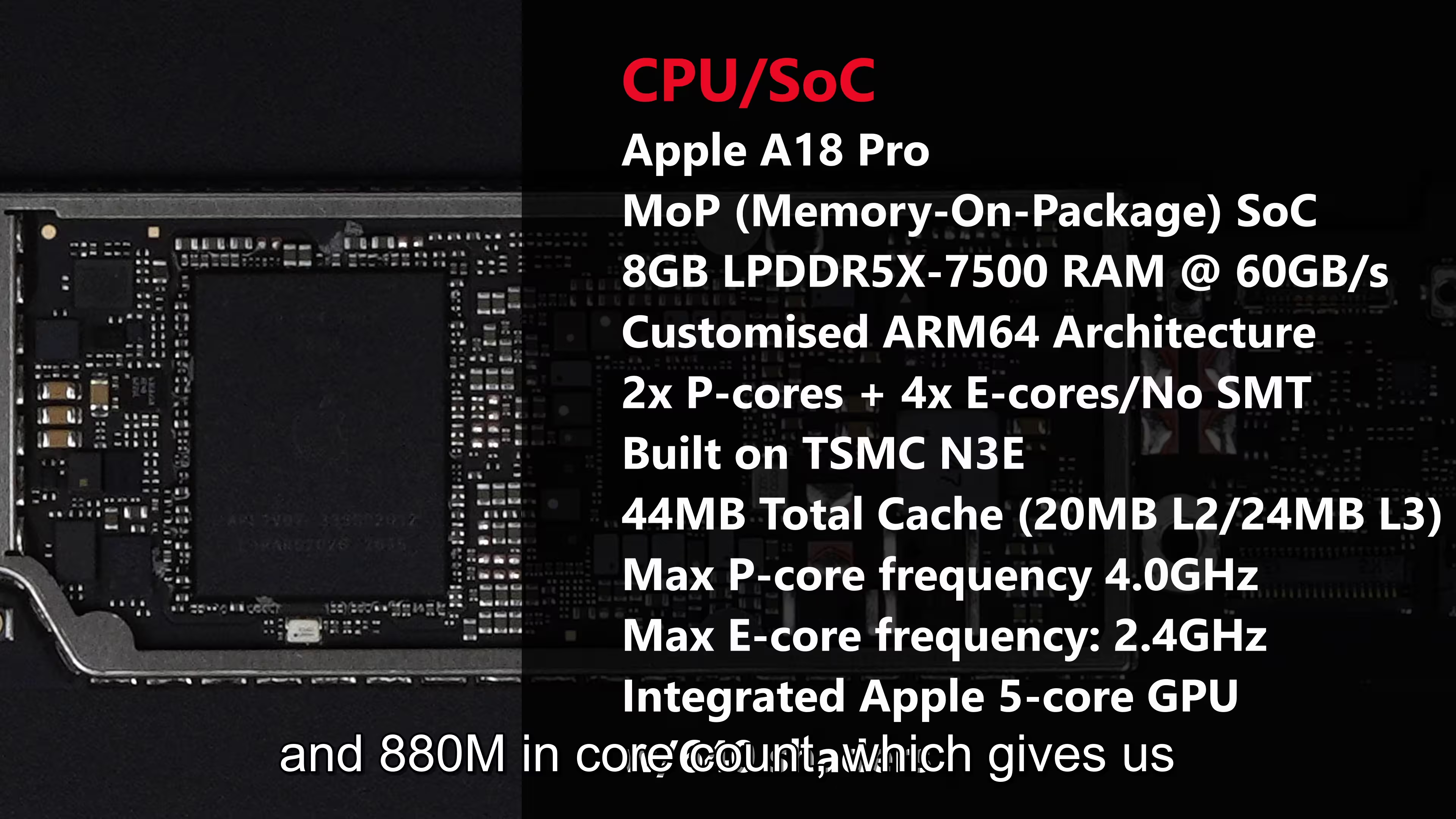
N.B: This isn't the slow-down due to low available RAM or swap space(SSD acting as temporary RAM) or high CPU/GPU using applications, it's just due to high temperatures. - It's not a M series chip but the mobile chip.
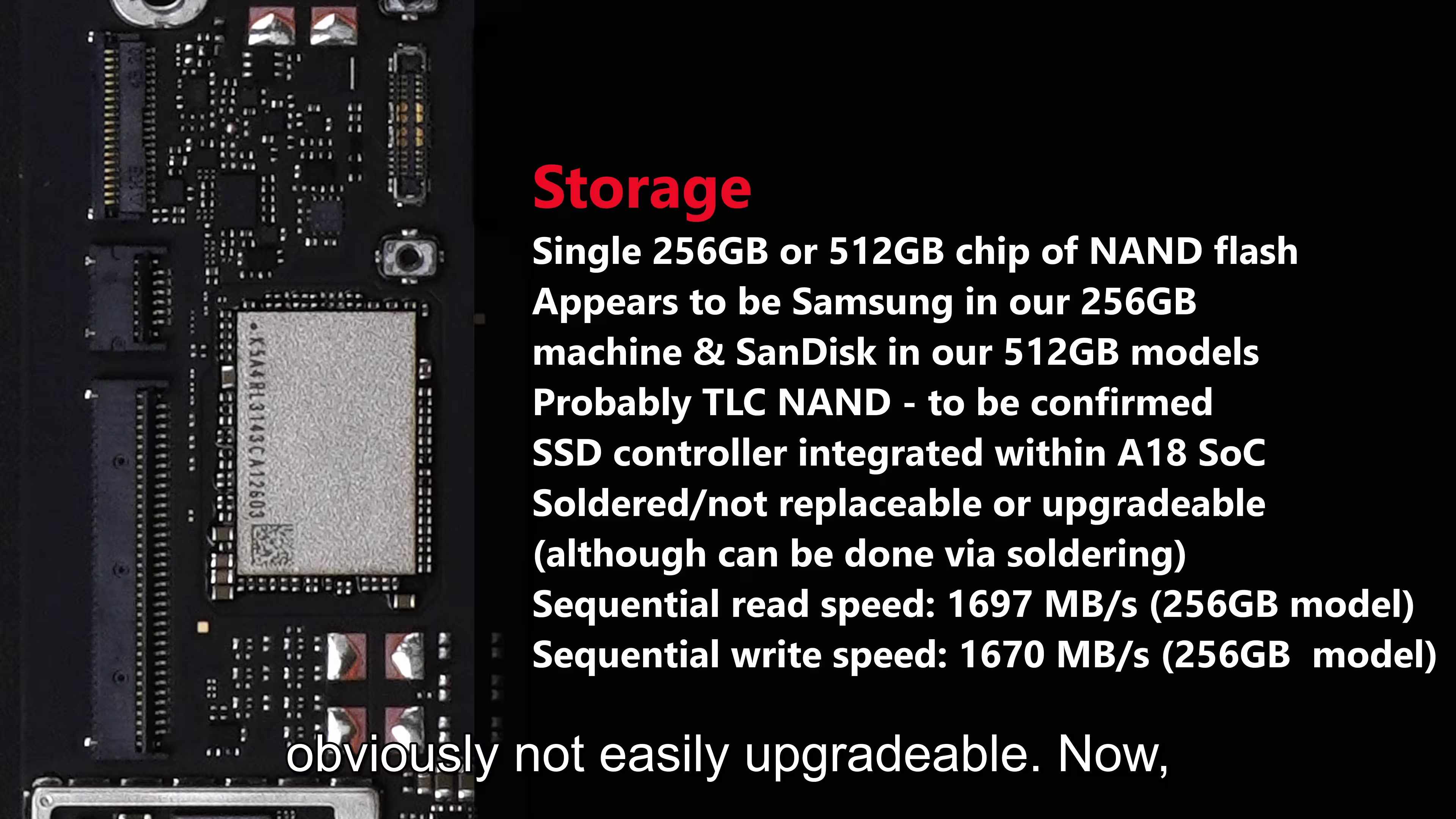
- Get the 512GB model. The system takes up a lot of that 256GB storage, also the 512GB comes with finger-print unlock(Touch ID) also.
- iPad vs Neo: Just check the reference [8] instead of reading this.
→ Neo is macOS, iPad has iPad OS. iPad will have NO MAC Apps. Neo will have some iPad Apps. iPad is limited to App Store only.
→ iPad will have most iPhone Apps, Neo will have some and also have developer apps.
→ iPhone mirroring only on the MacO so only Neo.
→ Neo can install apps outside of App Store.
♣ iPad Advantages: Touch Screen, Pencil, Tablet Only Mode, Small Size, More Casual games, SOcial Media Apps, Note taking, drawing, watching video, reading.
♣ Neo Advantages:
Real Computer OS, Developer, creative apps, more powerful multi-tasking, apps from outside the app store, cheaper(for full laptop experience)
♦ Apple in classic Apple fashion has iPad costing more than this if you just select 256GB, with keyboard and pencil, the iPad already is more expensive $777.
♦ Also with keyboard and size is the same when you take the keyboard into account.
My Recommendation: "You considered buying an Apple product, just buy all of them: iPad, Neo, Air, iPhone, Watch, Stand, Monitor, Tags, literally buy all of them." -
Macbook Neo vs other Macbooks:
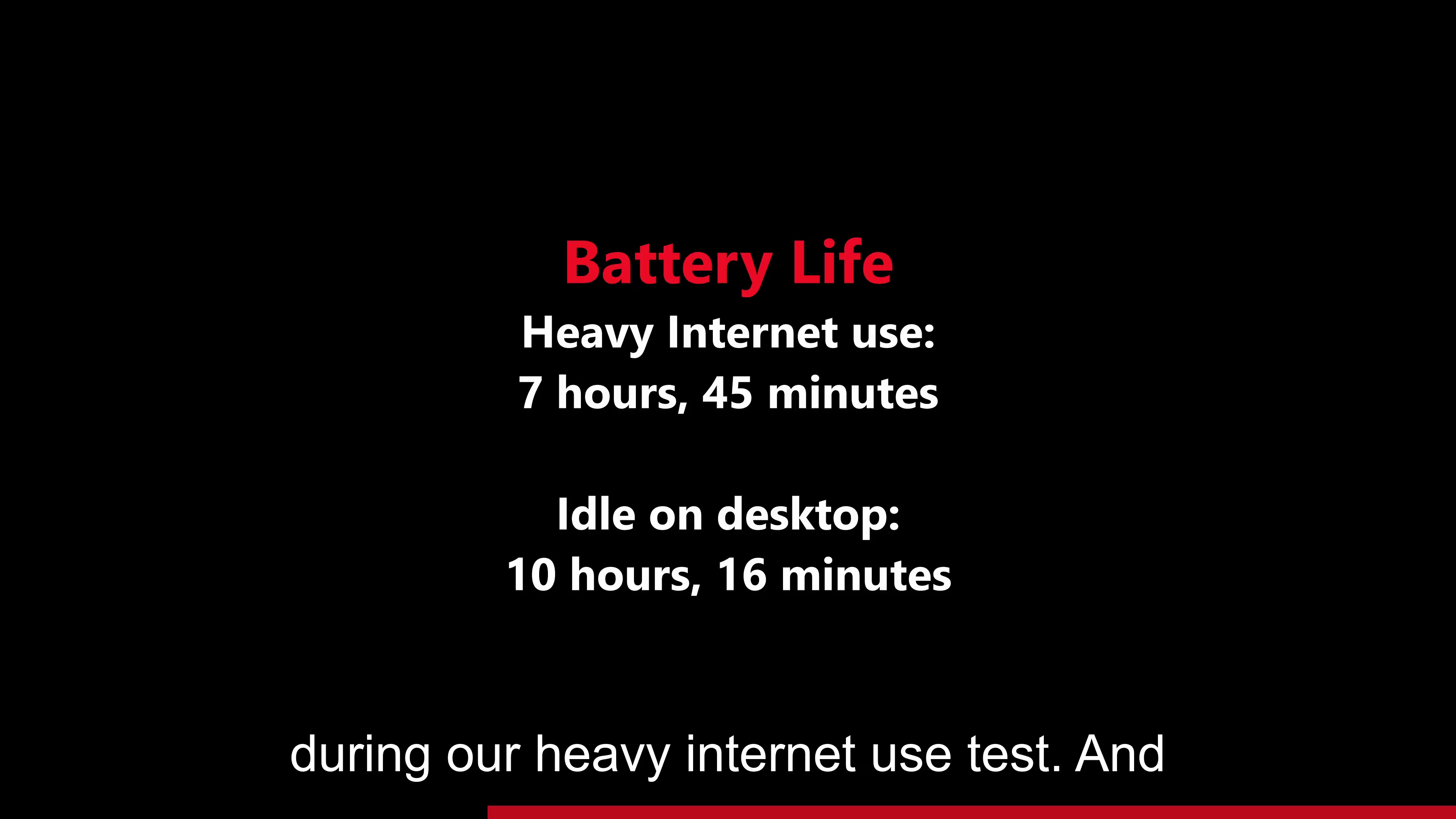
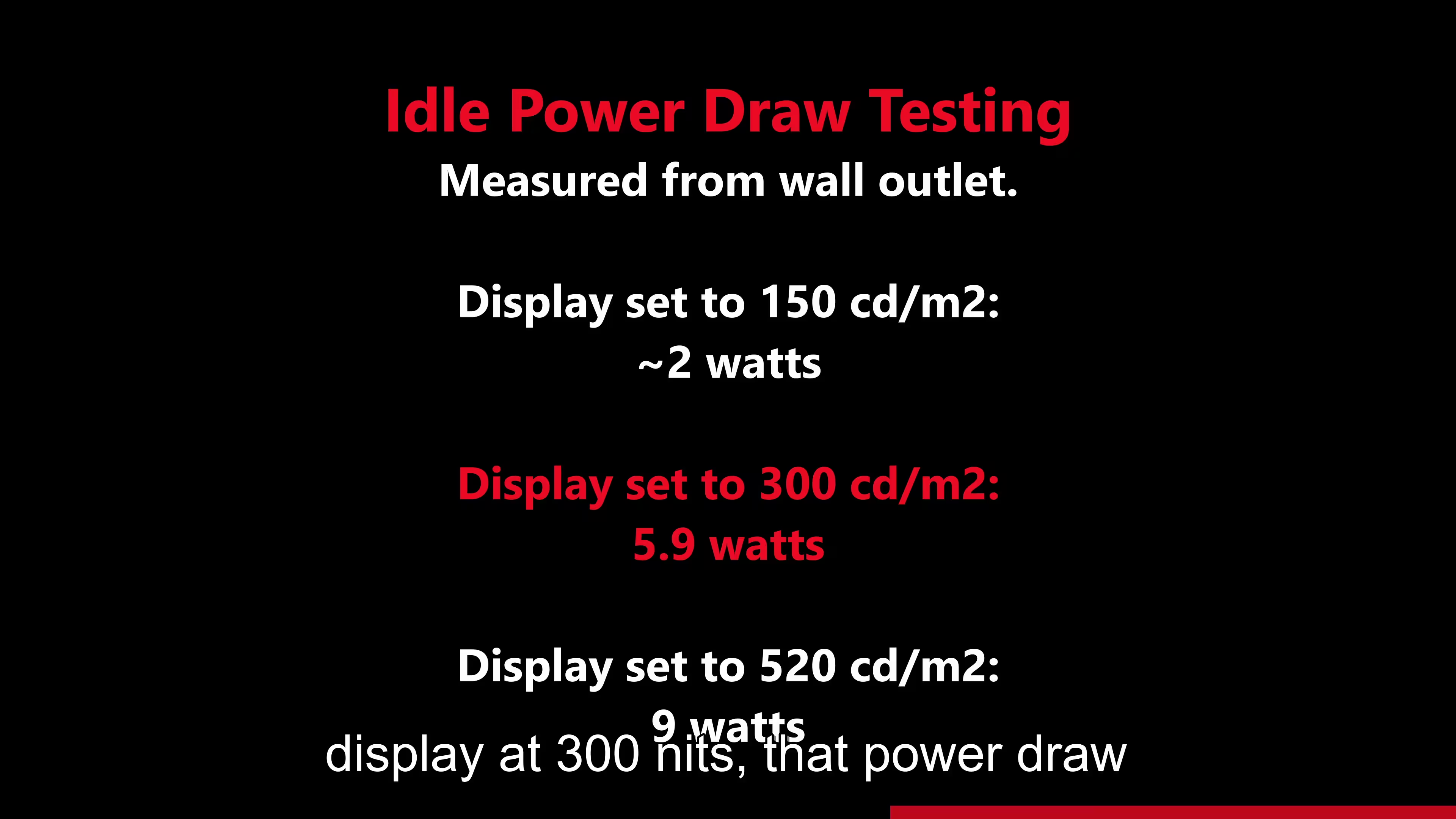
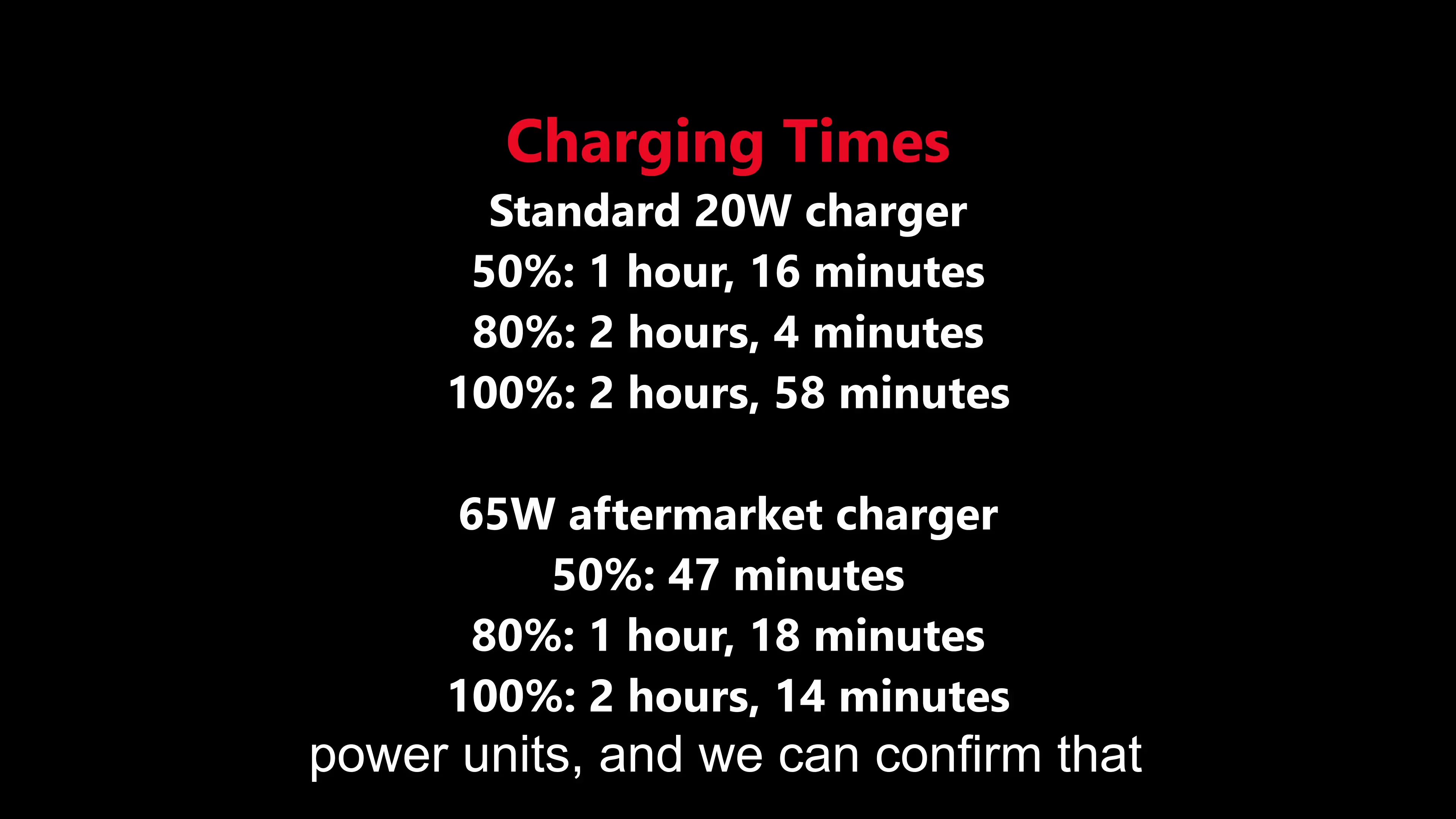
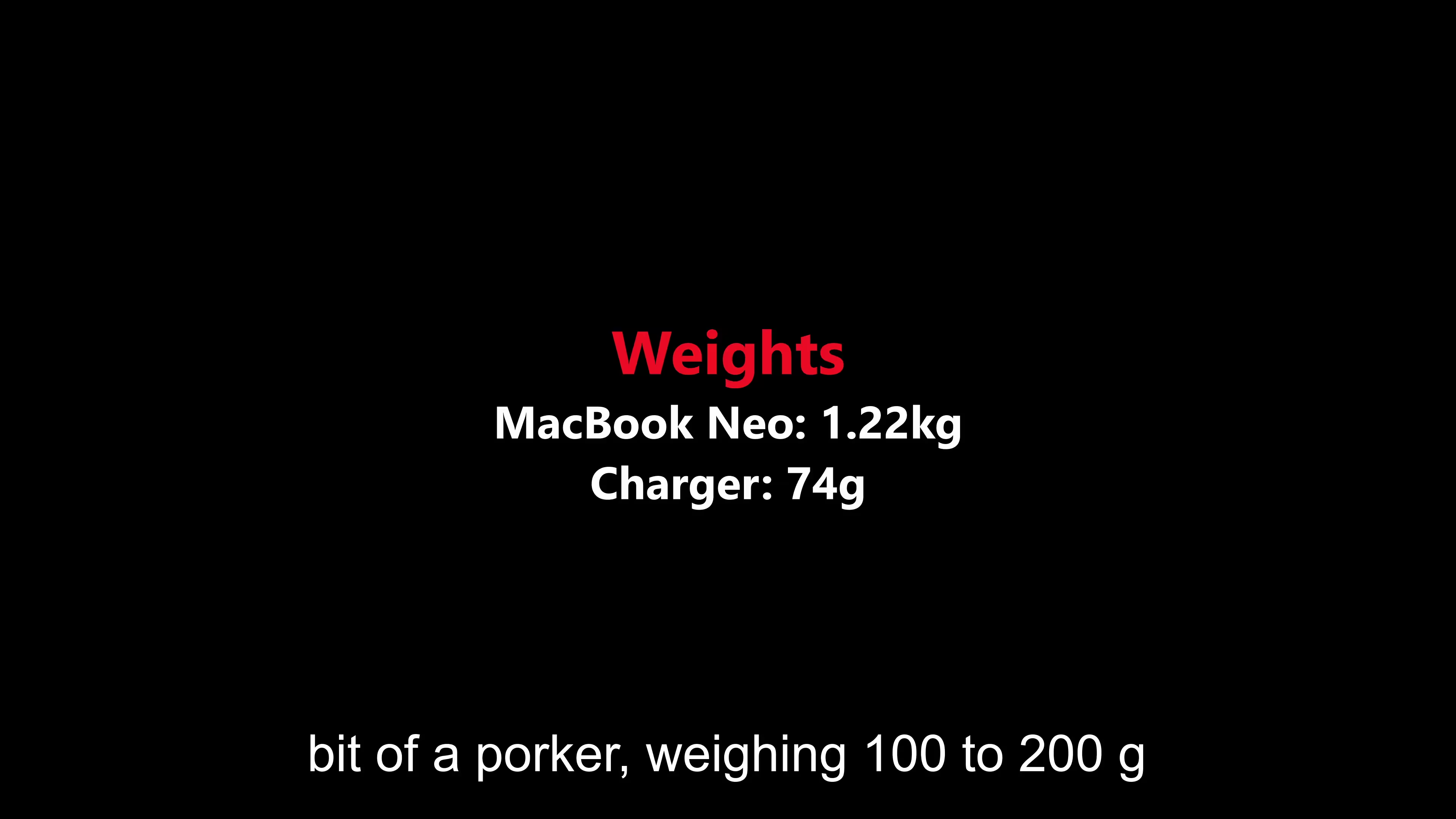
- 20W included charger only and small one. Small battery but mobile CPU gives it a good battery life.
After you buy
Pros/Cons
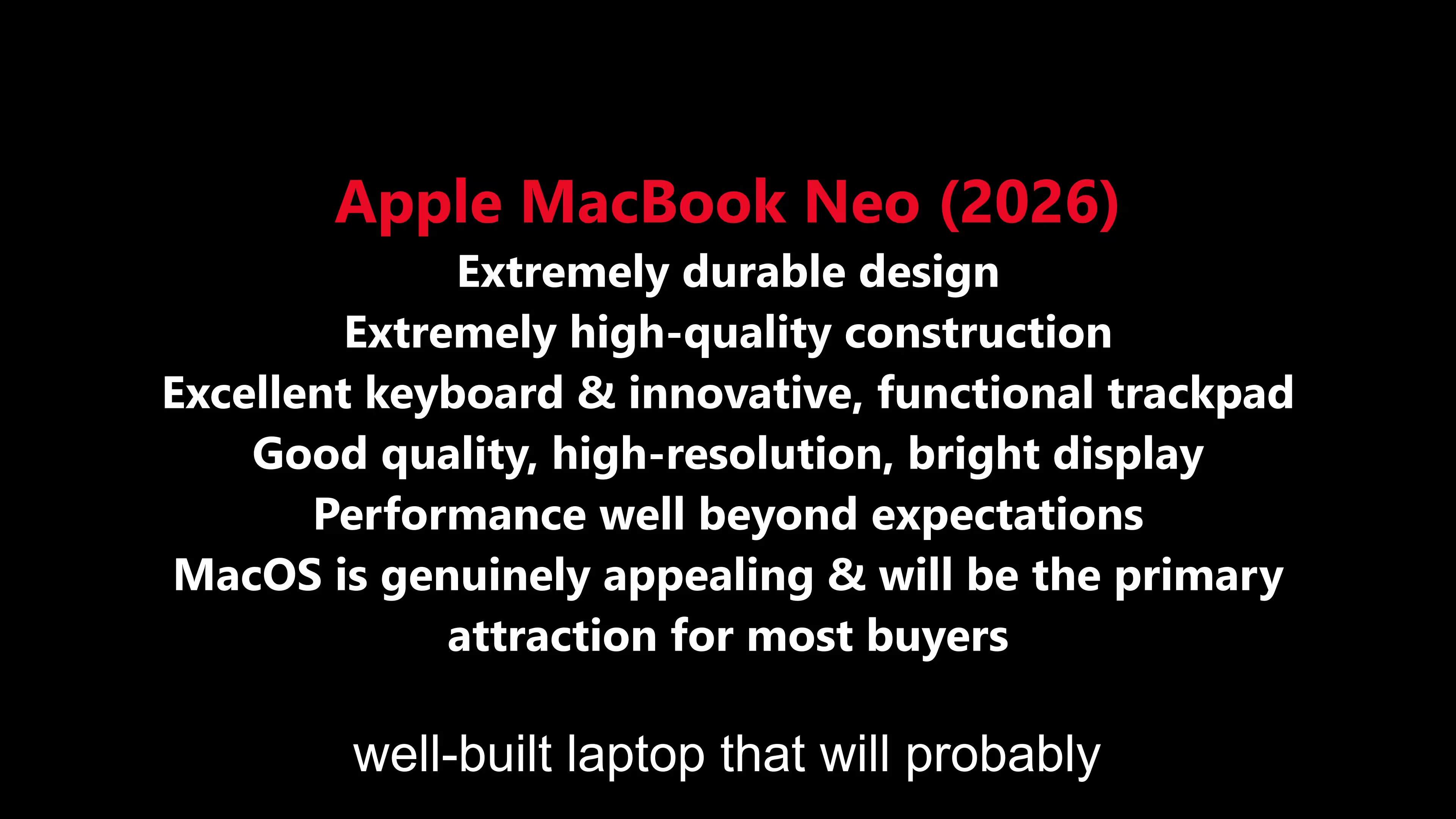
Pros
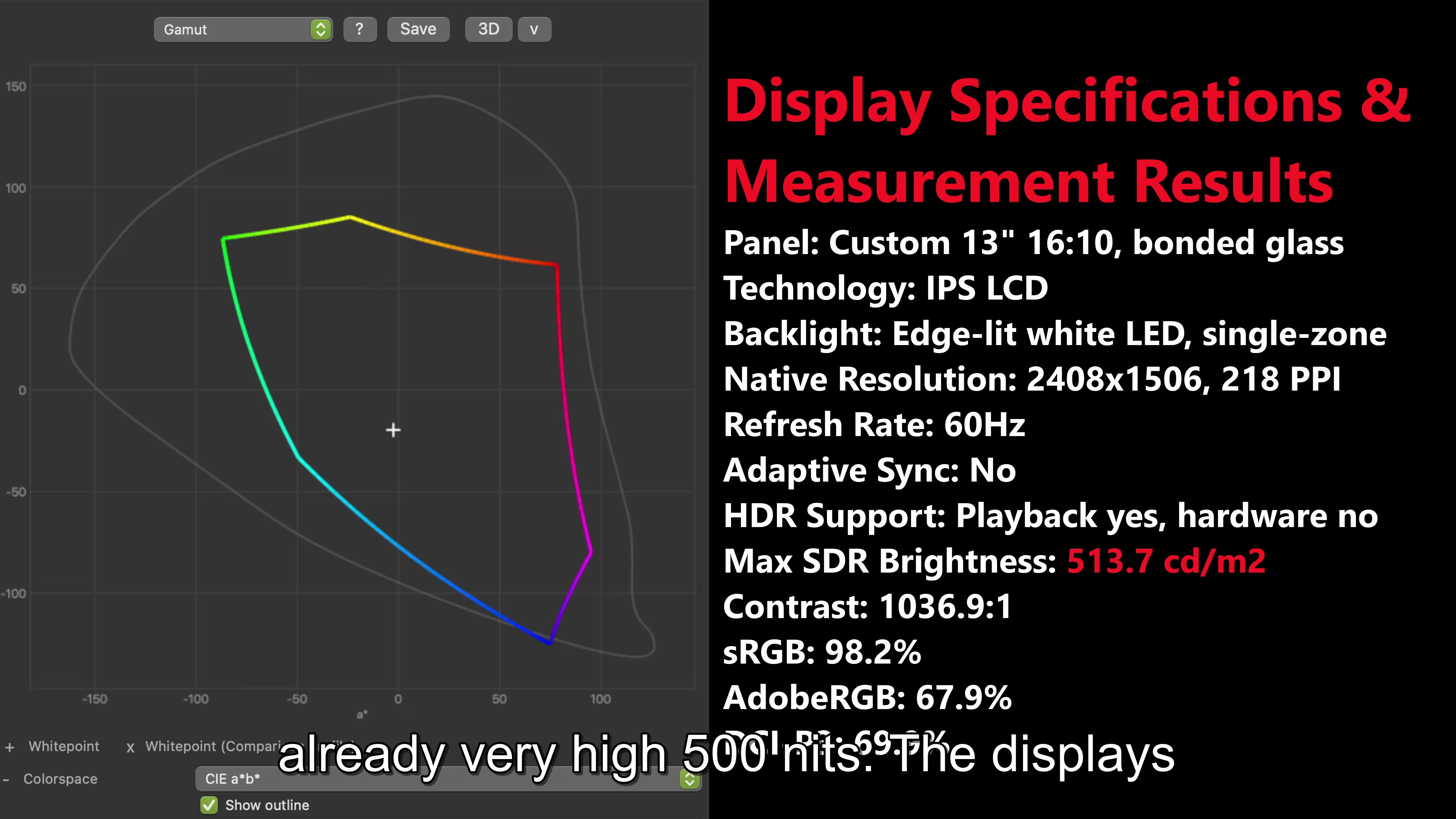
- 500nits is pretty bright for a laptop.
- Laptop feels pretty good.
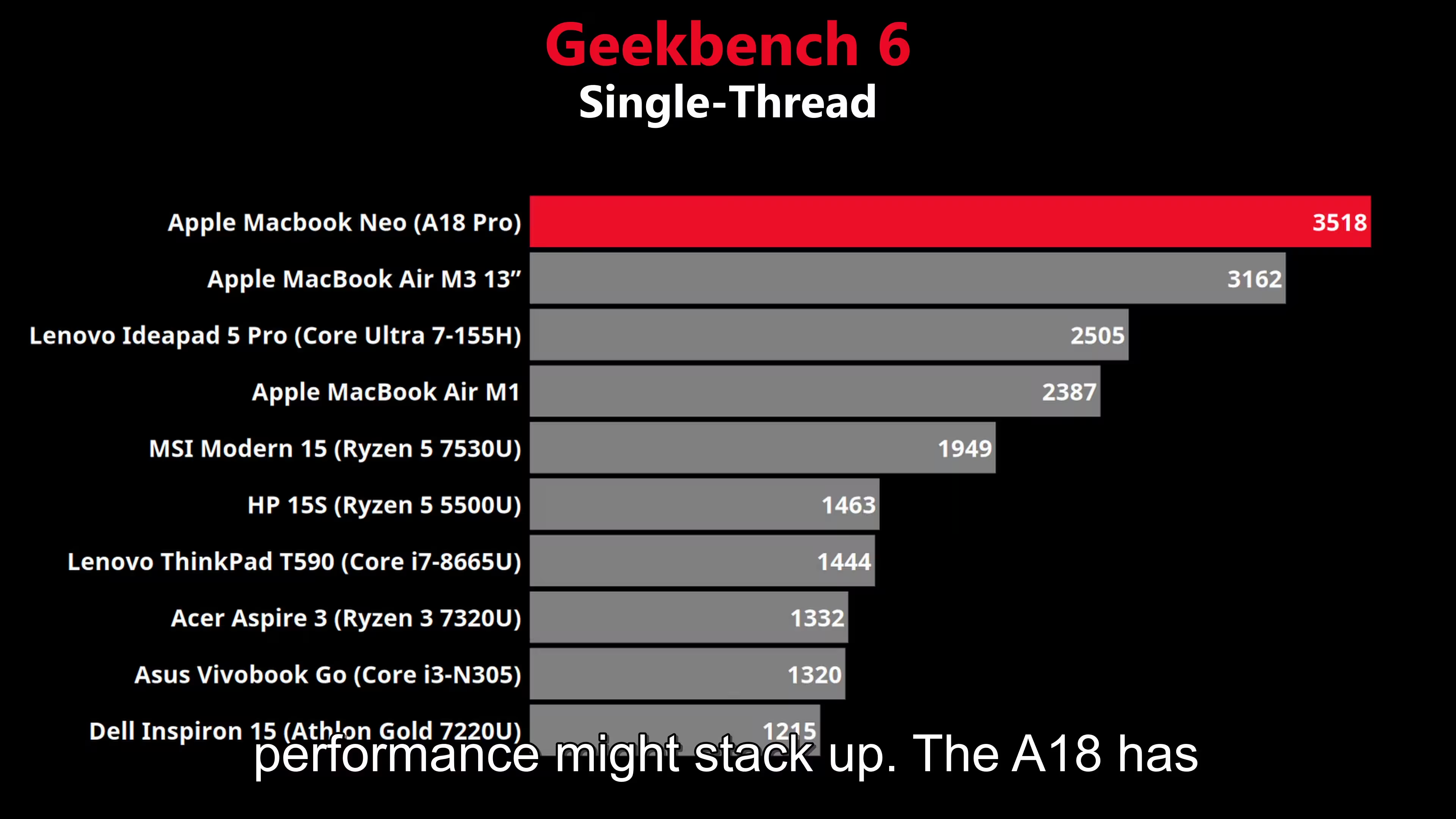
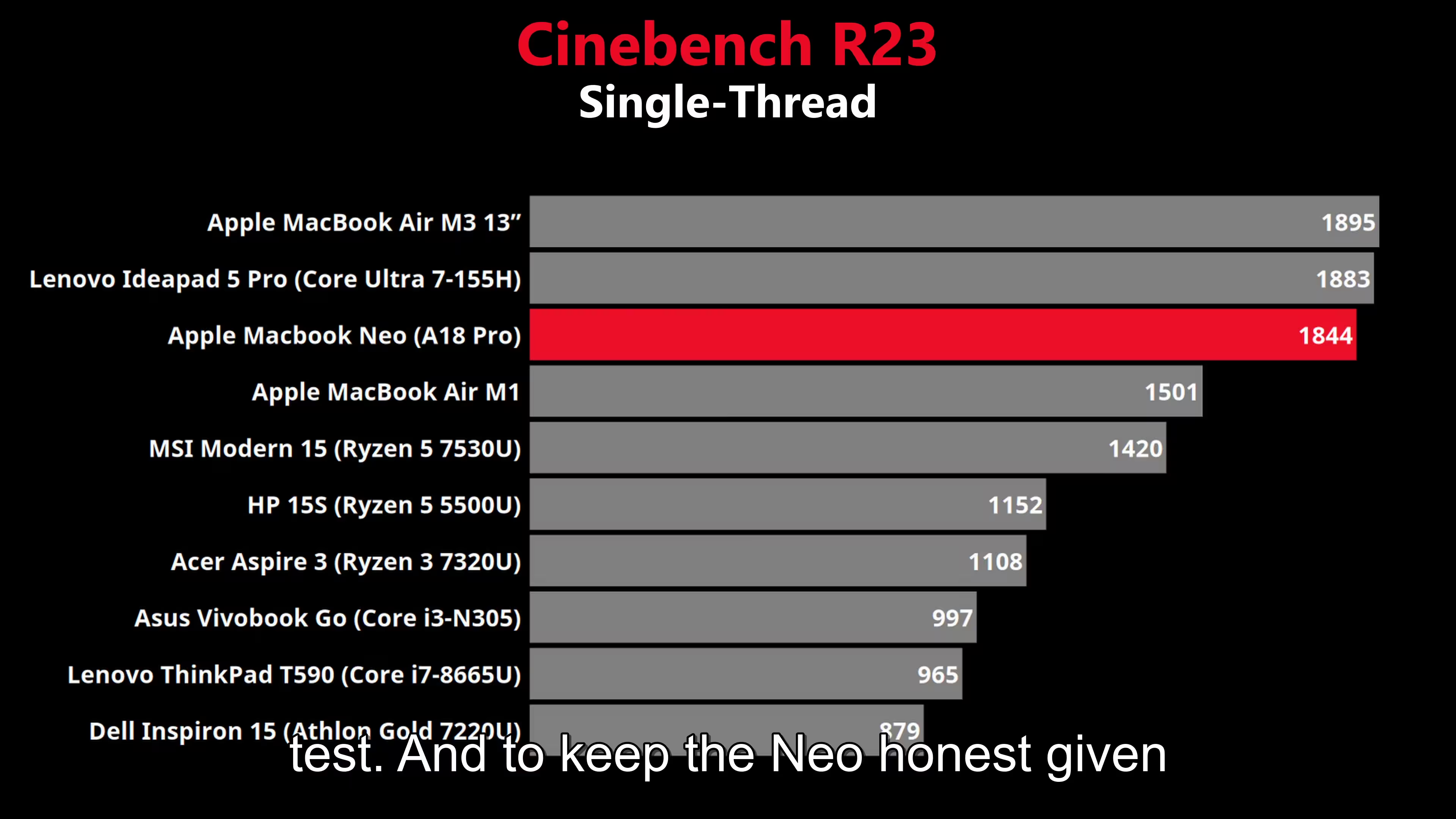
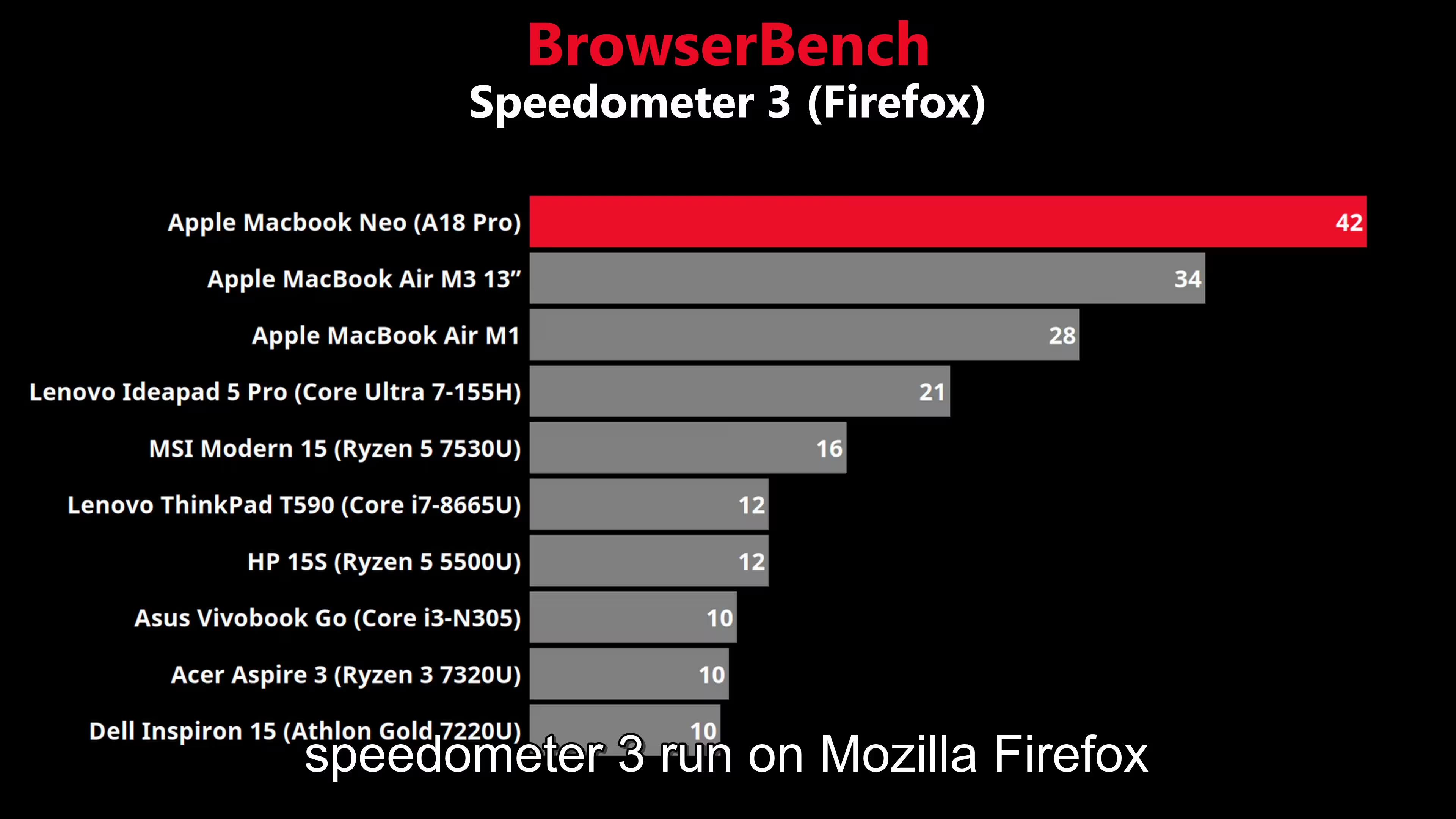
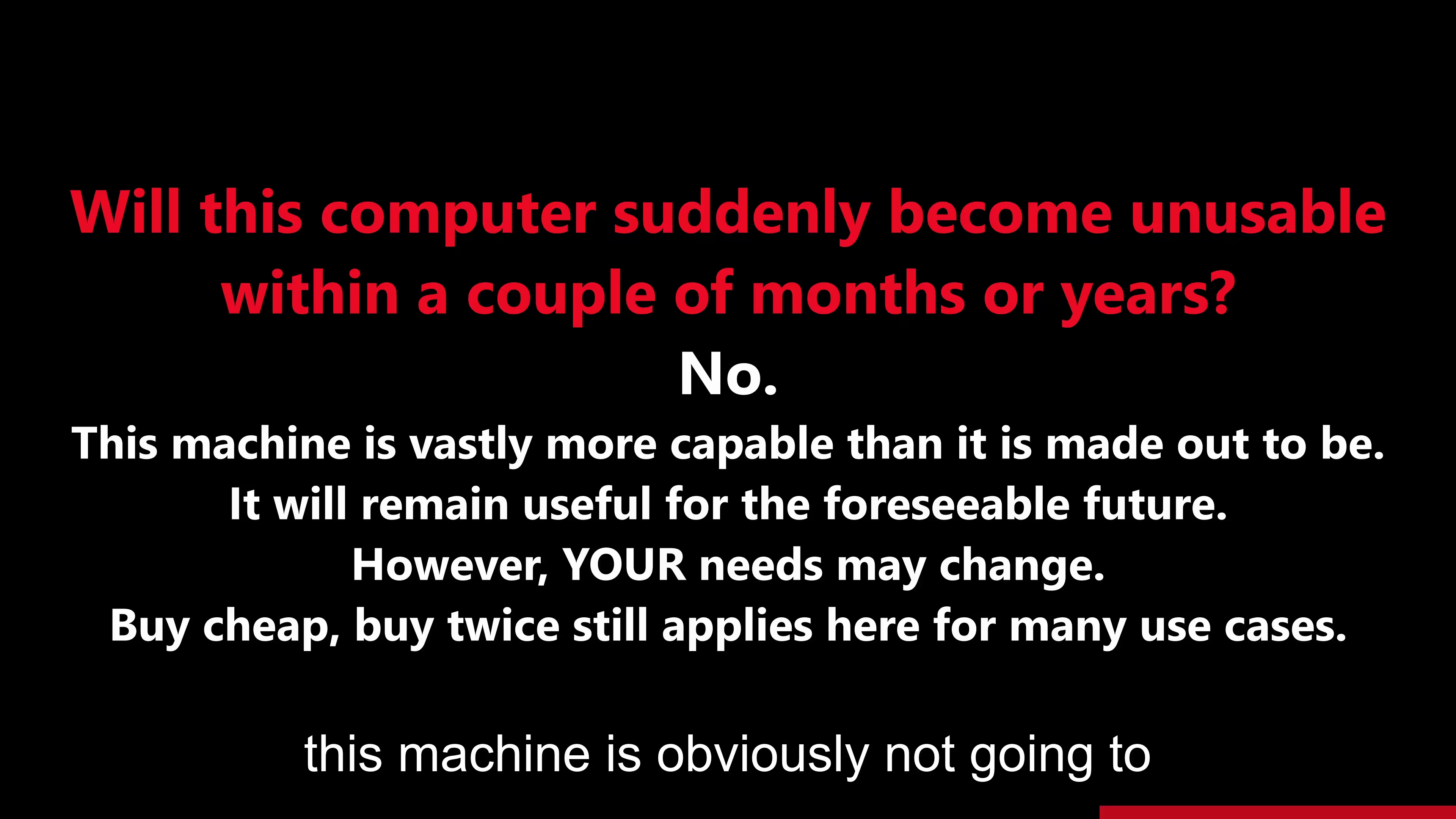
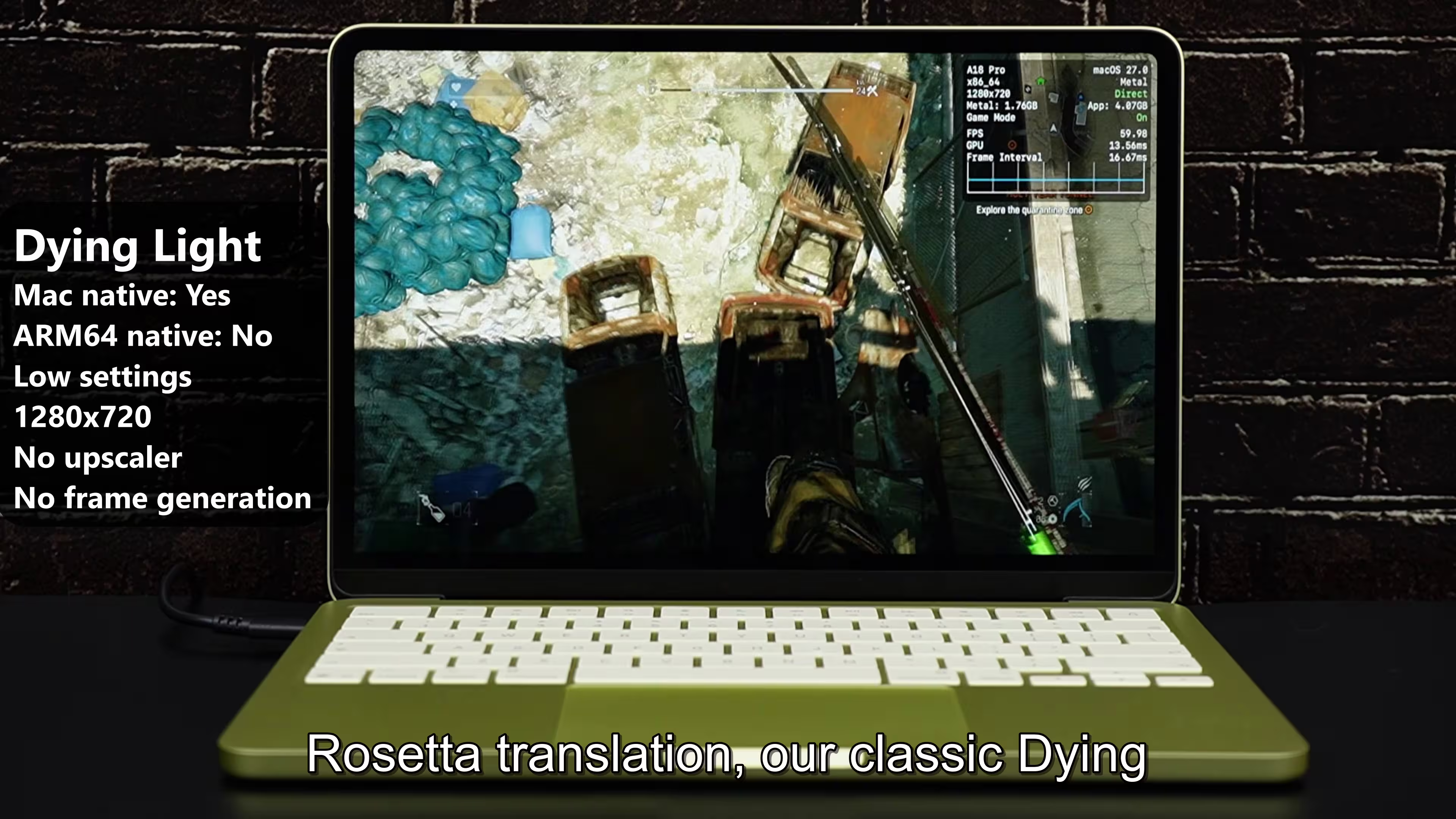
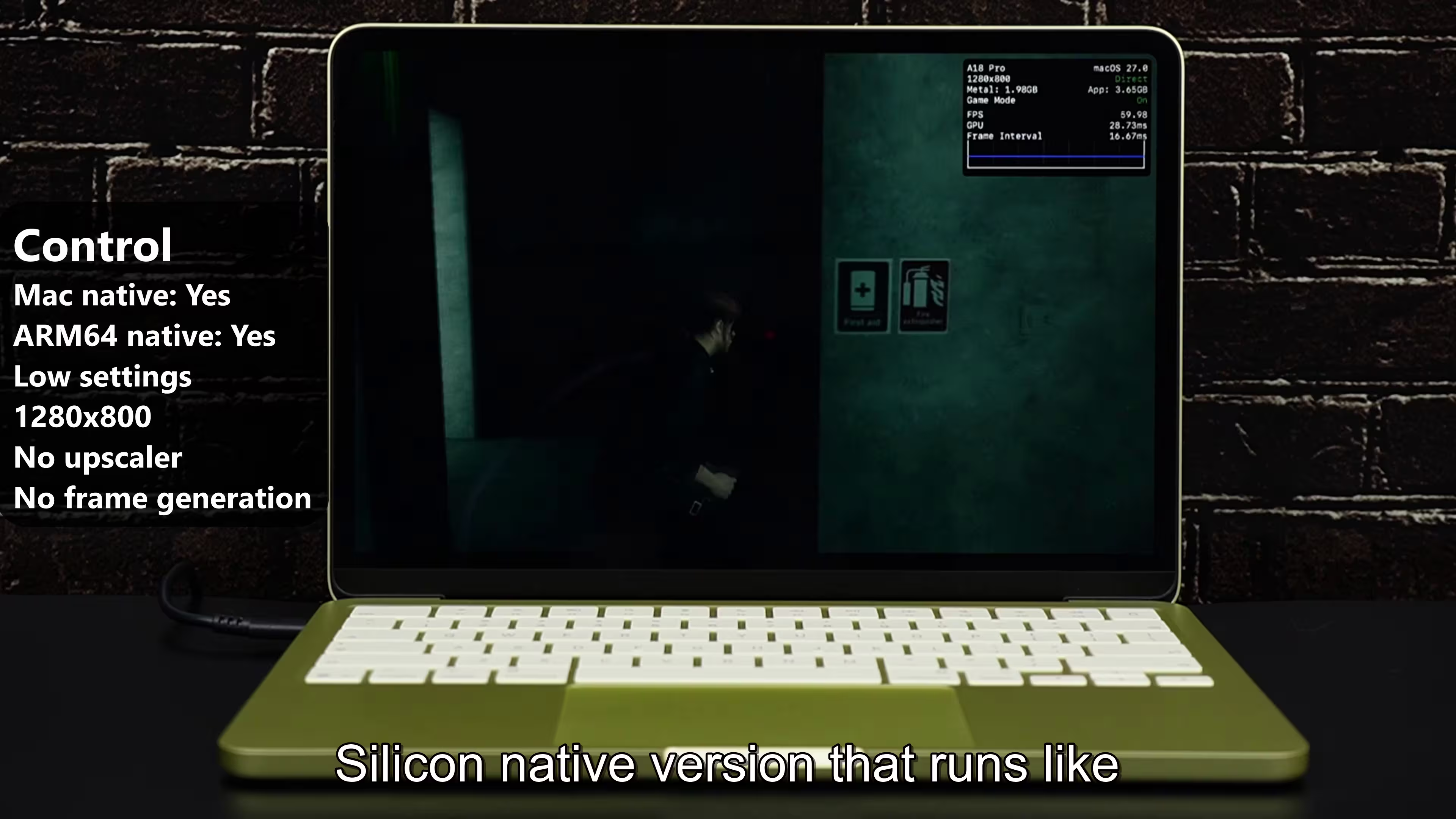
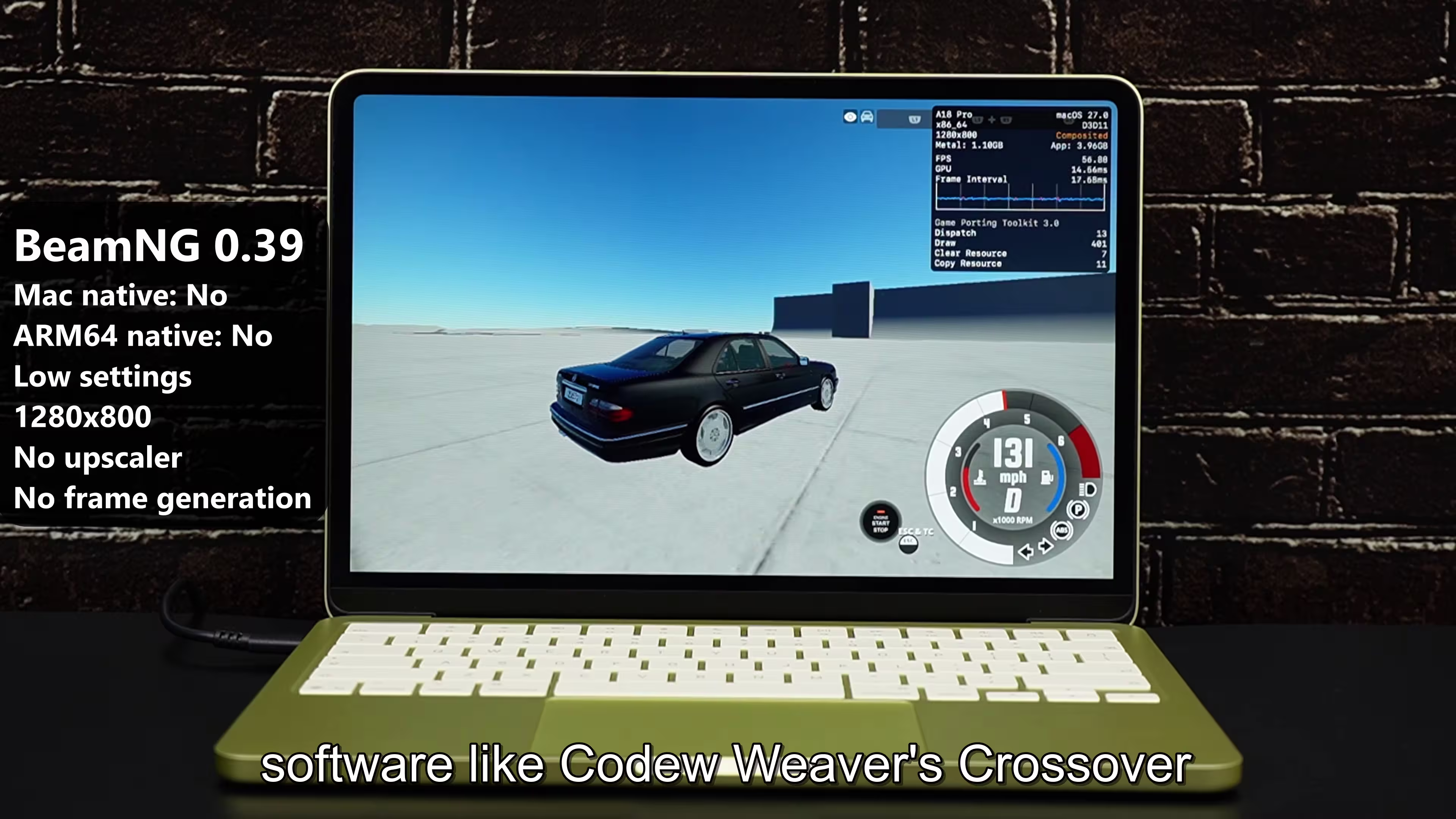
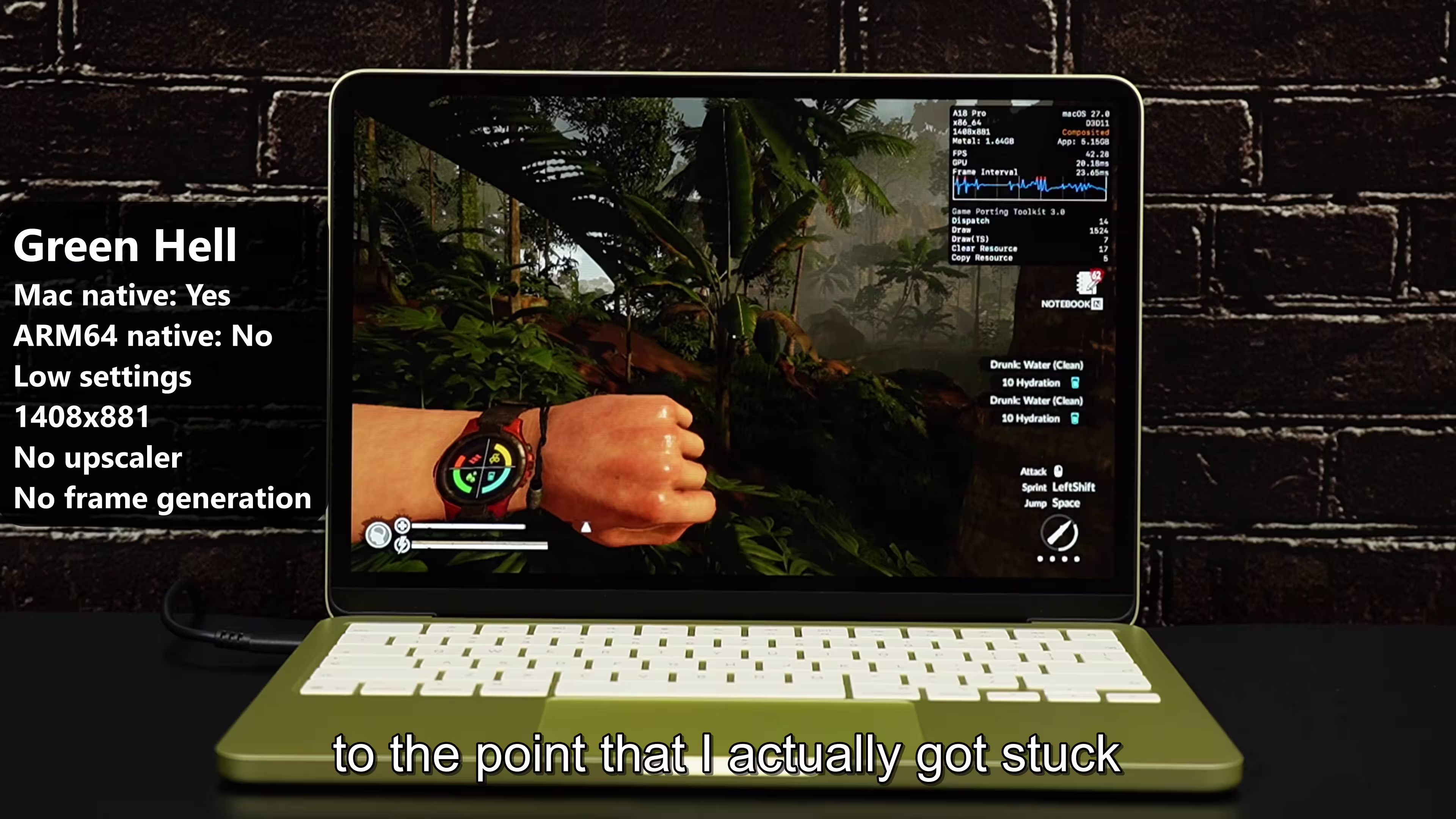
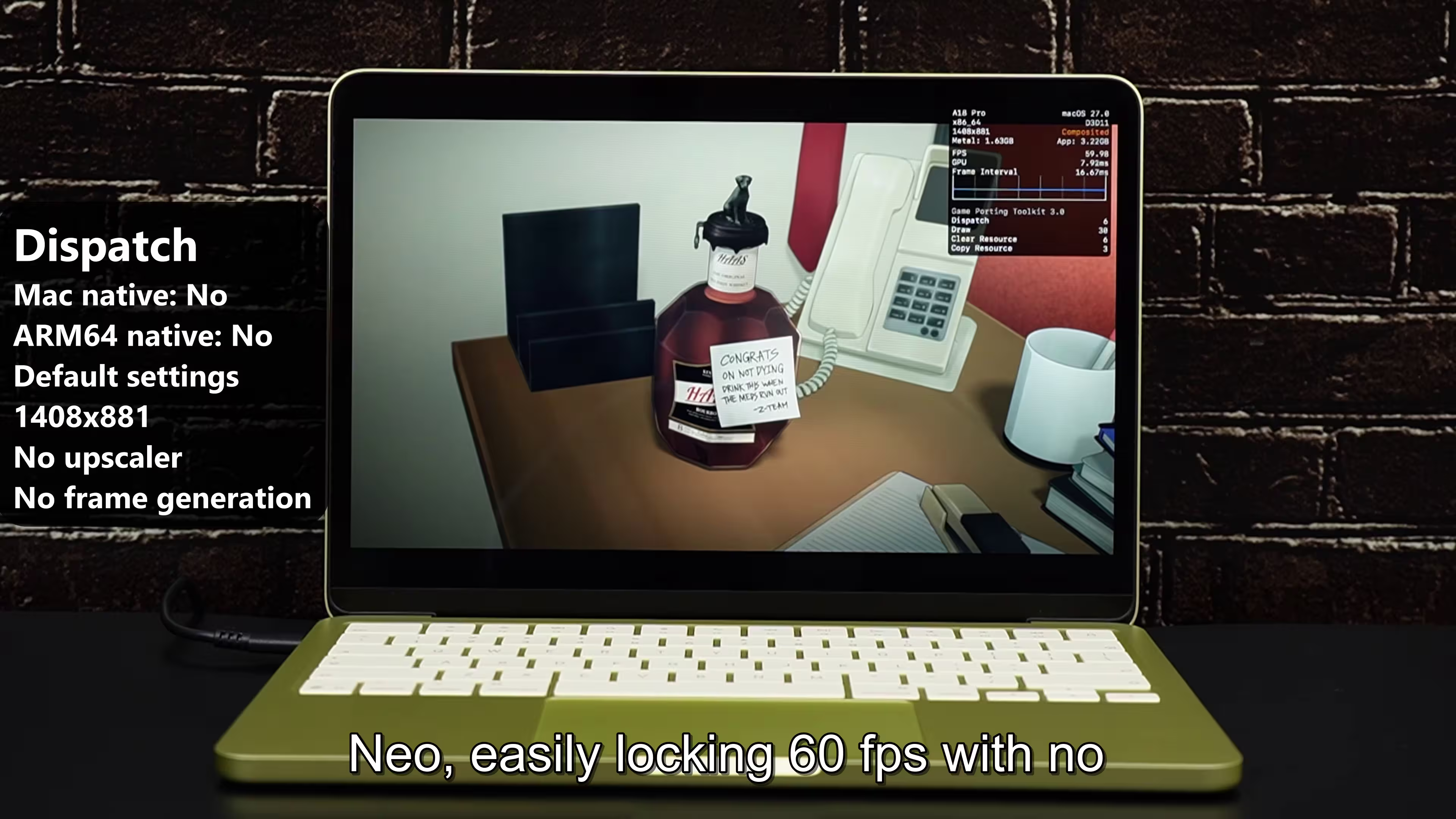
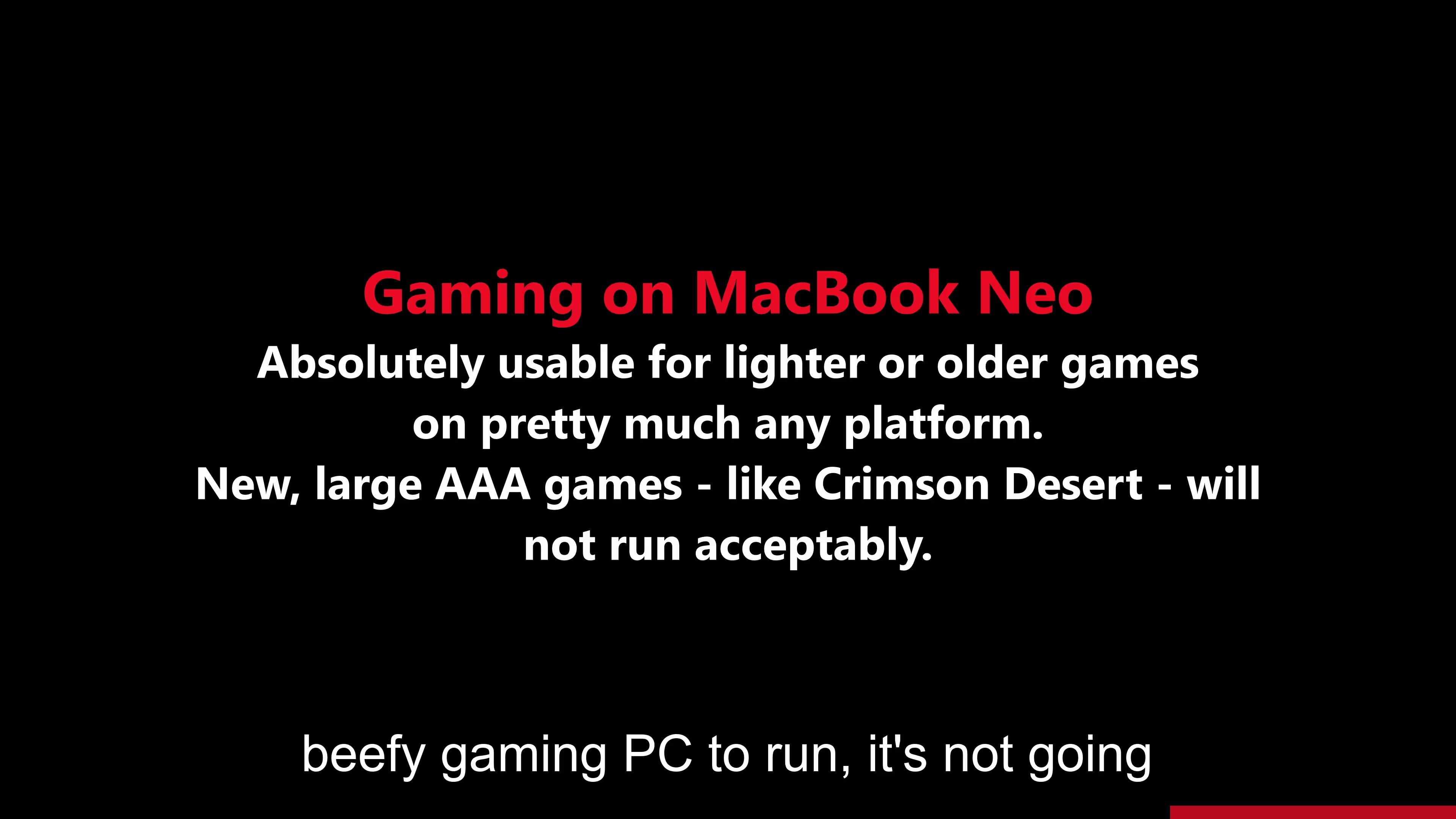
- Peformance: → Decent performance for most people as long as you don't start pushing it to it's limits.
Check the video in references[7], much better idea.-
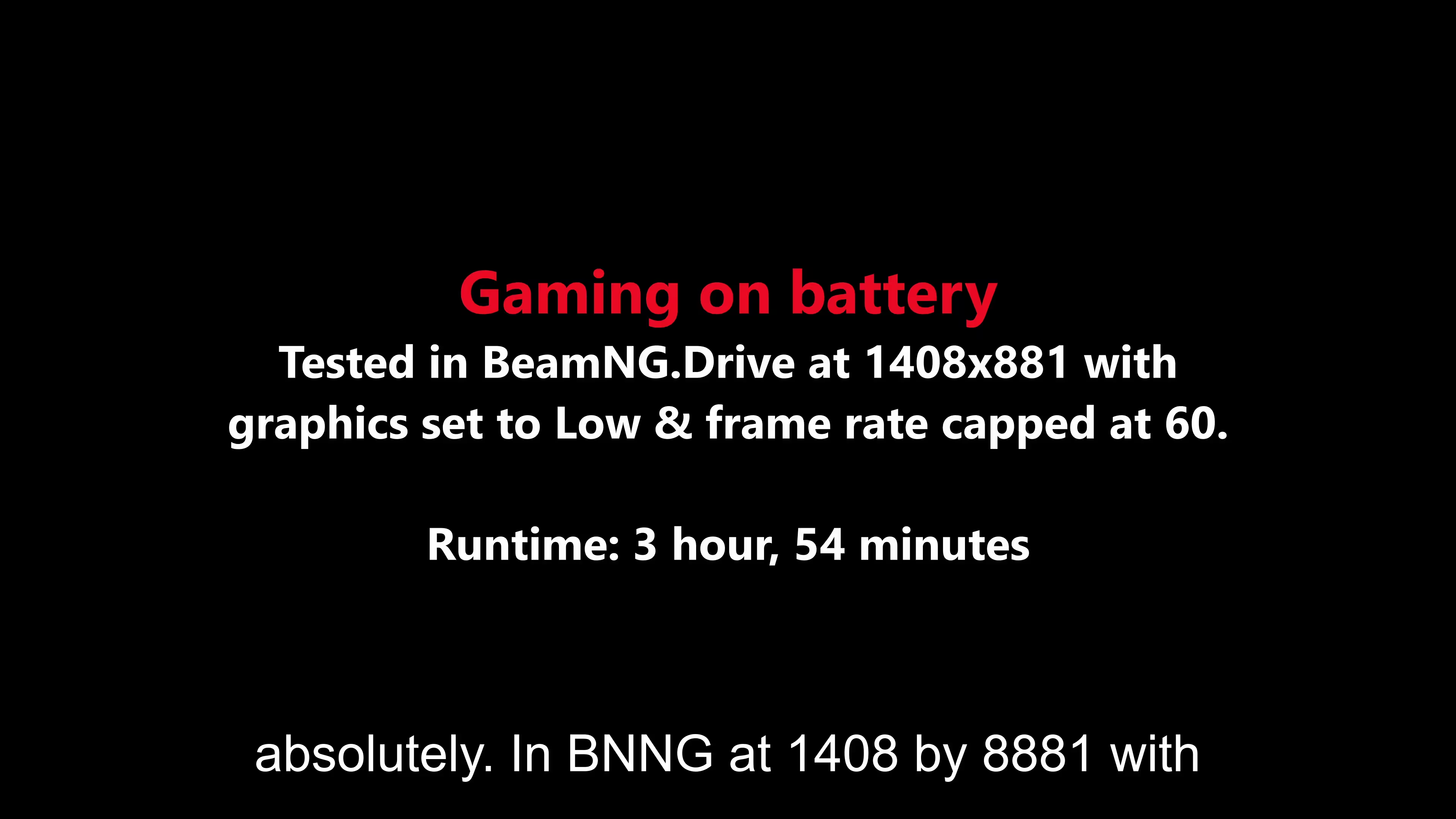
These were all done on battery and not AC power:
- A lot of memory hungry browser apps, a lot of different apps and many images, it works all just fine.
- Search→ Fine.
- System Wide Search Spotlight→ Fine.
- Large Number Spreadsheet→ Fine.
- Photos App: Viewing & Editing→ Fine except AI stuff which is a bit slow that other macbooks.
- Pixelmator Pro: (All these images were open and even screen recording was on)
Pano: Fine.
60MP→ half a second lag when zooming it and panning with all effects.
60MP RAW, 330MP→ No issues, just like above.
Layers→ No Lag.
- Opening all the above file in a few seconds as the memory is pushed but goes back to normal.
- Browser: Wikipedia, Solitare Game on line, News, JS website, Yahoo, Google Docs, Google Sheets, Canva, YouTube, Reddit, Twitch, Maps, Flight Radar→ All open at once and working just fine.(Videos were not playing on Twitch and YouTube in this)
- Audio:
Garageband: Bunch of tracks at a time, no issues.
Logic Pro: Bunch of tracks na dmoving around no issues. - Video Editing:
iMovie: Two clips, titles, → Responsive to do everything.
Exported in 16 seconds: 39 second clip as 1080p - Final Cut pro: 5 4k Pro Res Videos:
Works just fine.
Export to 4k: 8.5mins -
Lot of apps at once: RAM was full and extra 11GB was taken from SSD as swap memory.
Screen recording, Safari, mail, Maps, Pixelmator Pro with the same images as above, the same high excel file as above.→ Now it starts lagging and the Pixelmator Pro was casuing the freeze as it loads everything.
A few seconds later, iMovie was also launched with the same file as above.
Flipping through all these now that they have all opened up, it moves between them just fine.
Doing the same above without Pixelmator caused no issues and swap was used just 3GB.
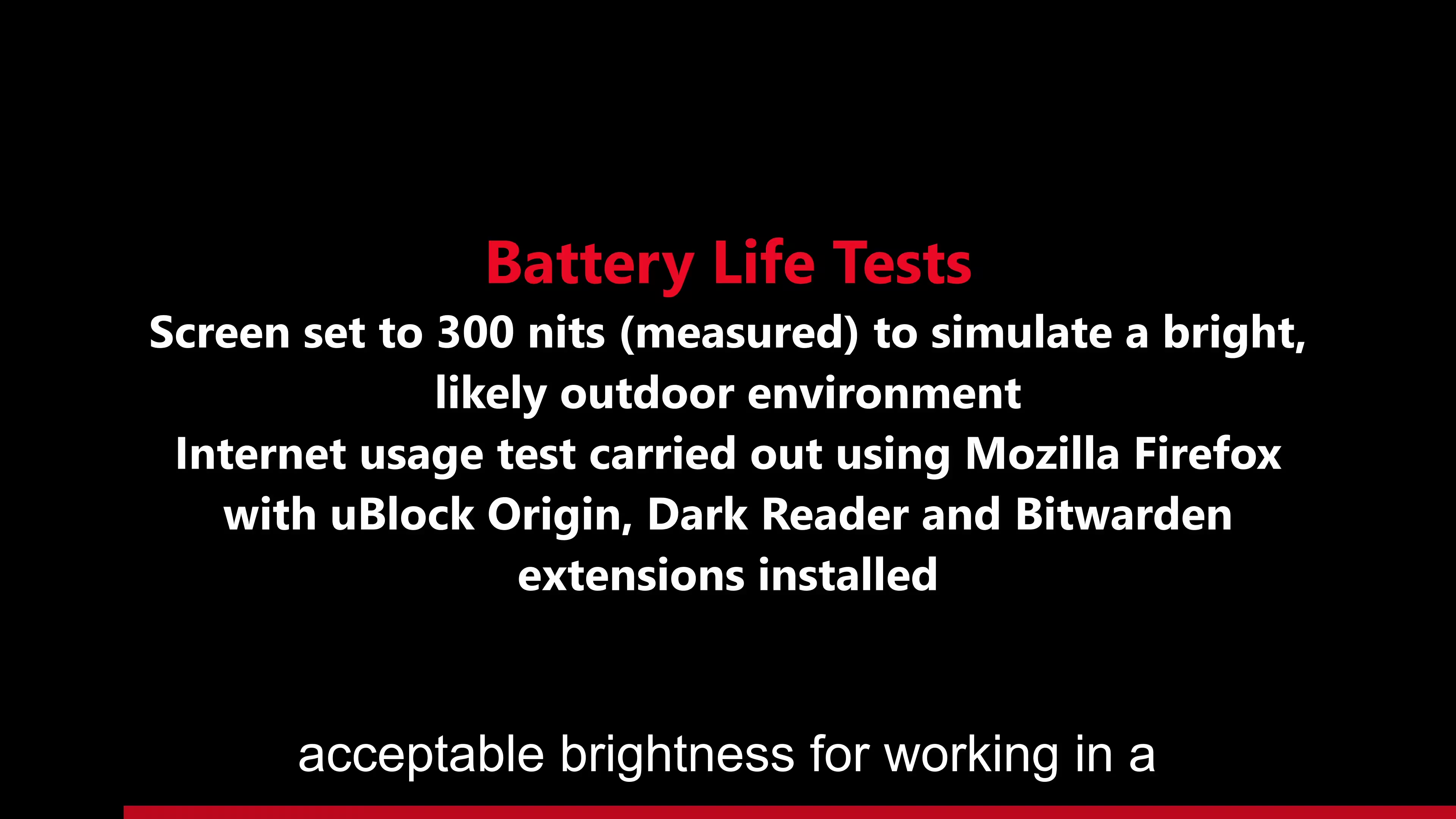
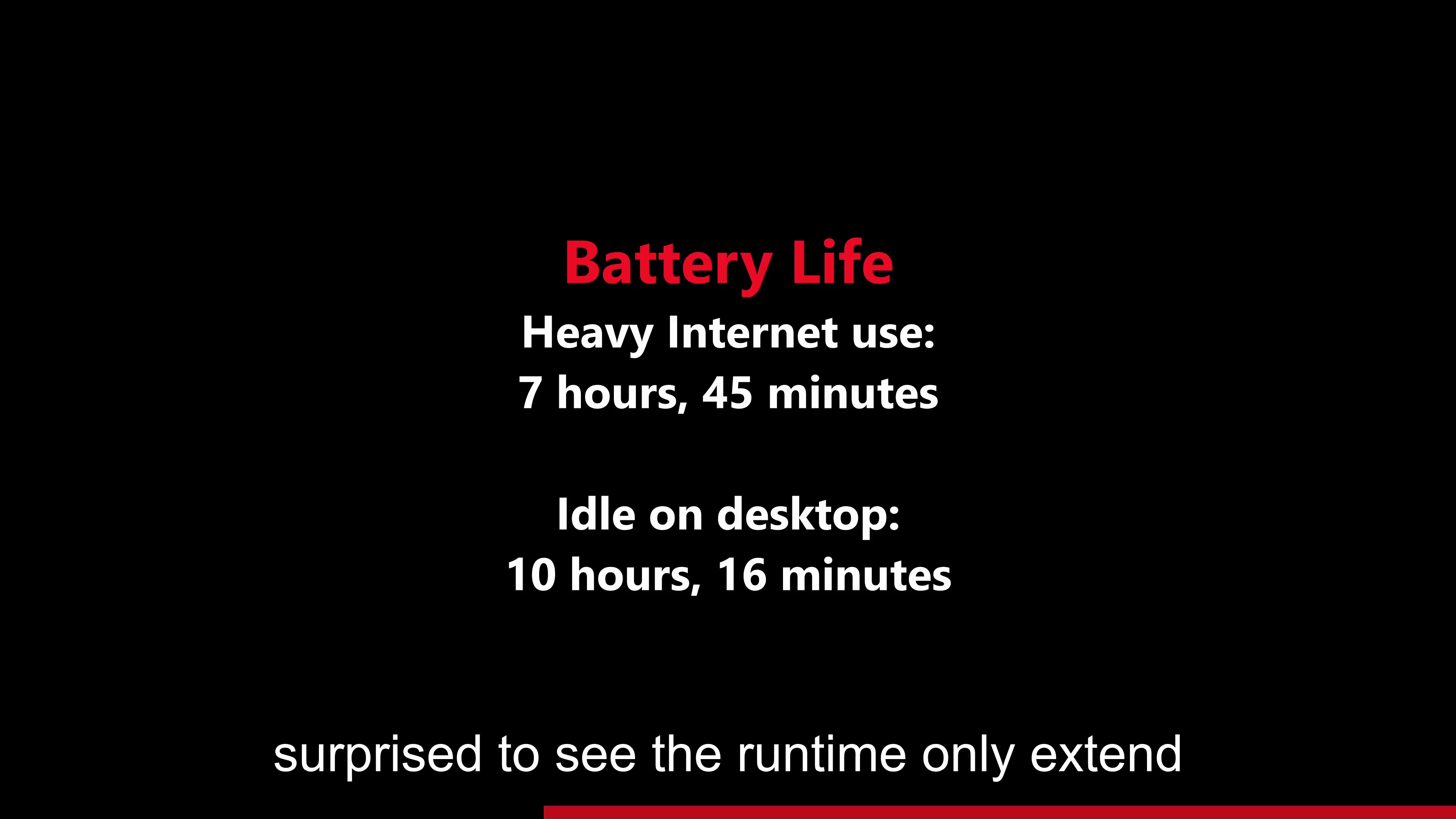
- For most people, all day long: 10% per hour of light work an hour battery drop is pretty good. [6]
Neutral - Positive
Neutral - Doesn't Matter
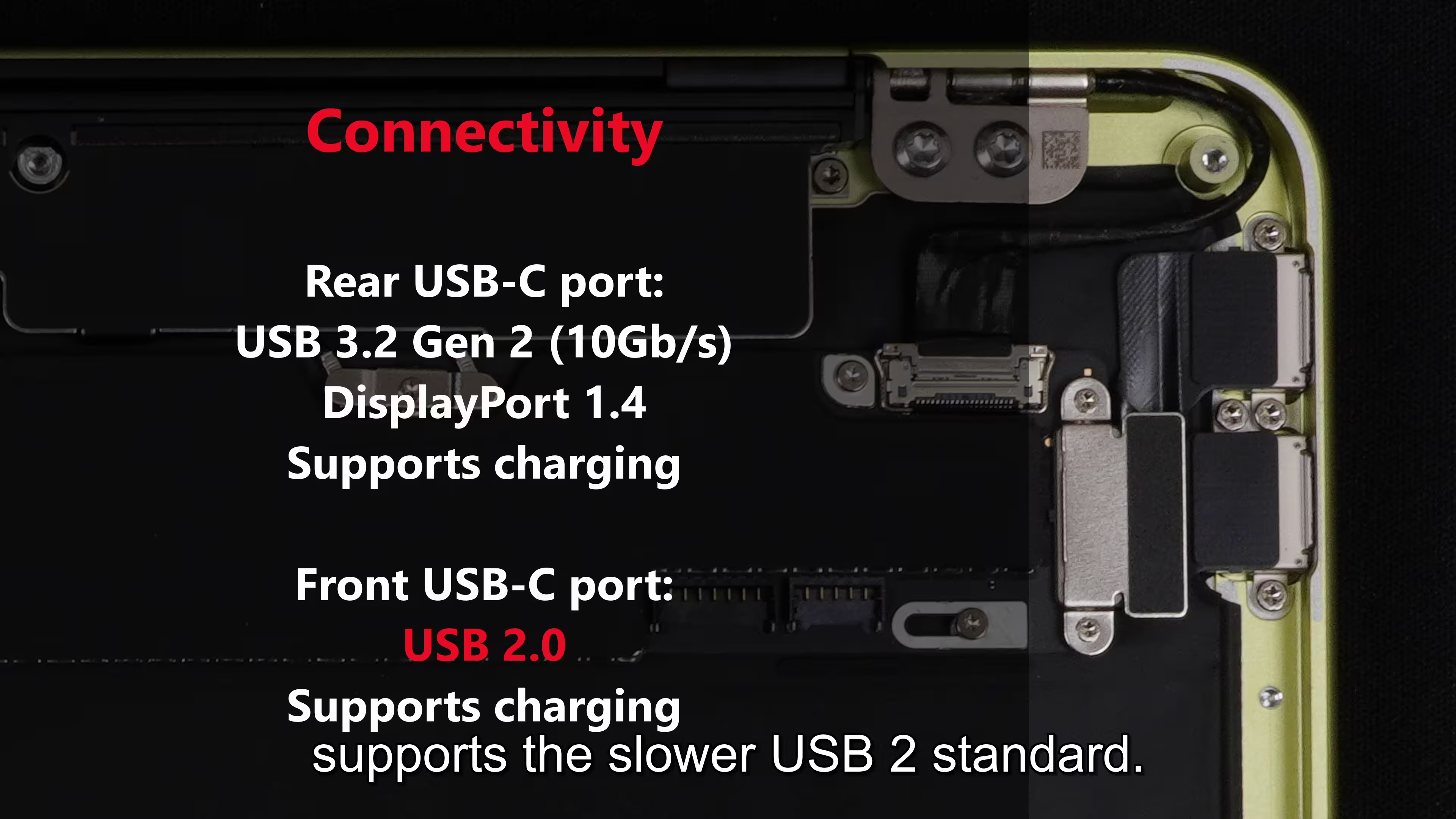
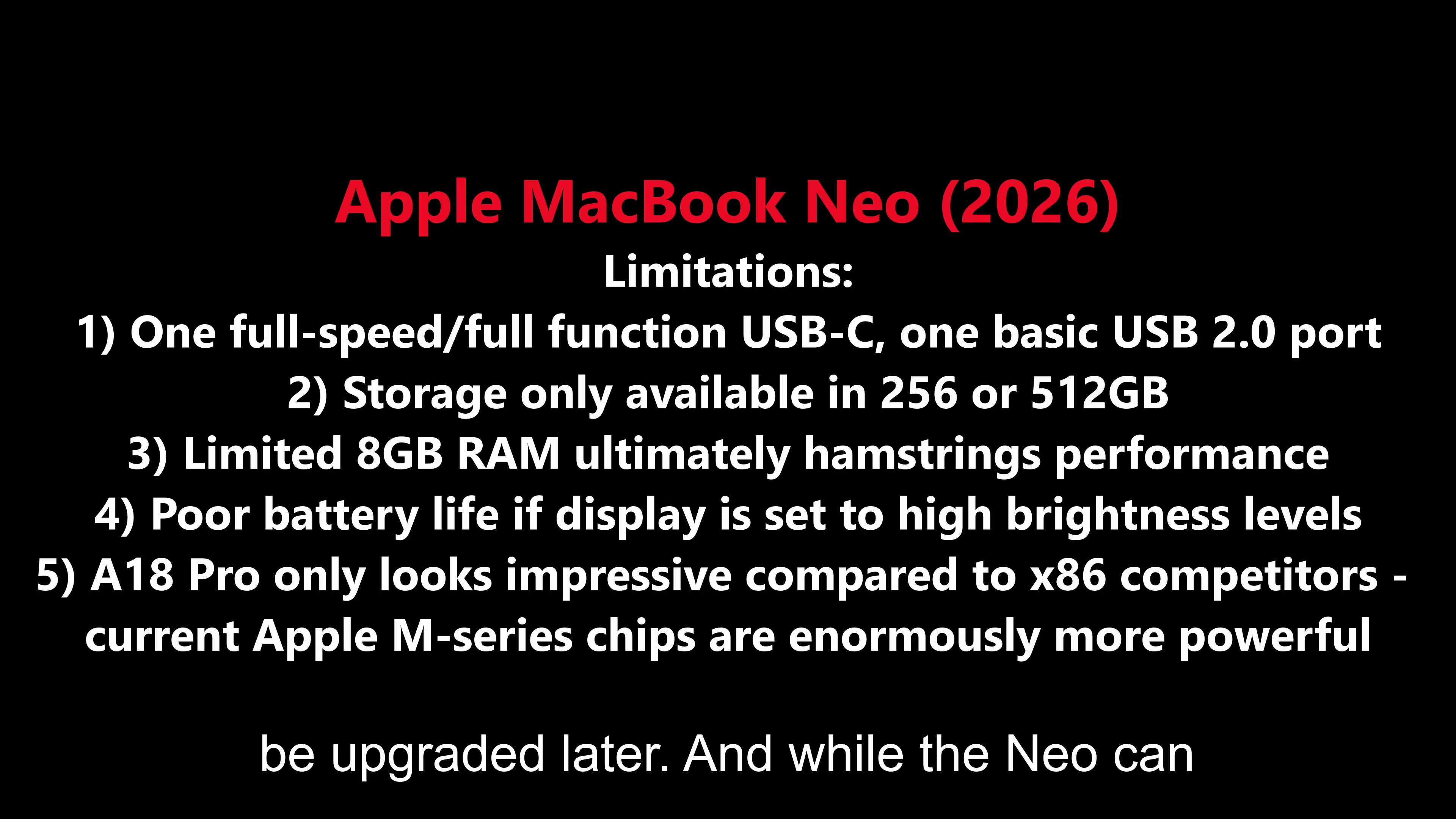
- USB 3 port: 2 seconds vs USB-3 Port: 37 seconds for 1.25GB [6]
- You can add one extra display to it.
- It's just 13". Be ready for that.
- Trackpad isn't haptic but can be pressed into the chassy but you can change it to just tap in settings.[6]
Neutral - Negative
Cons
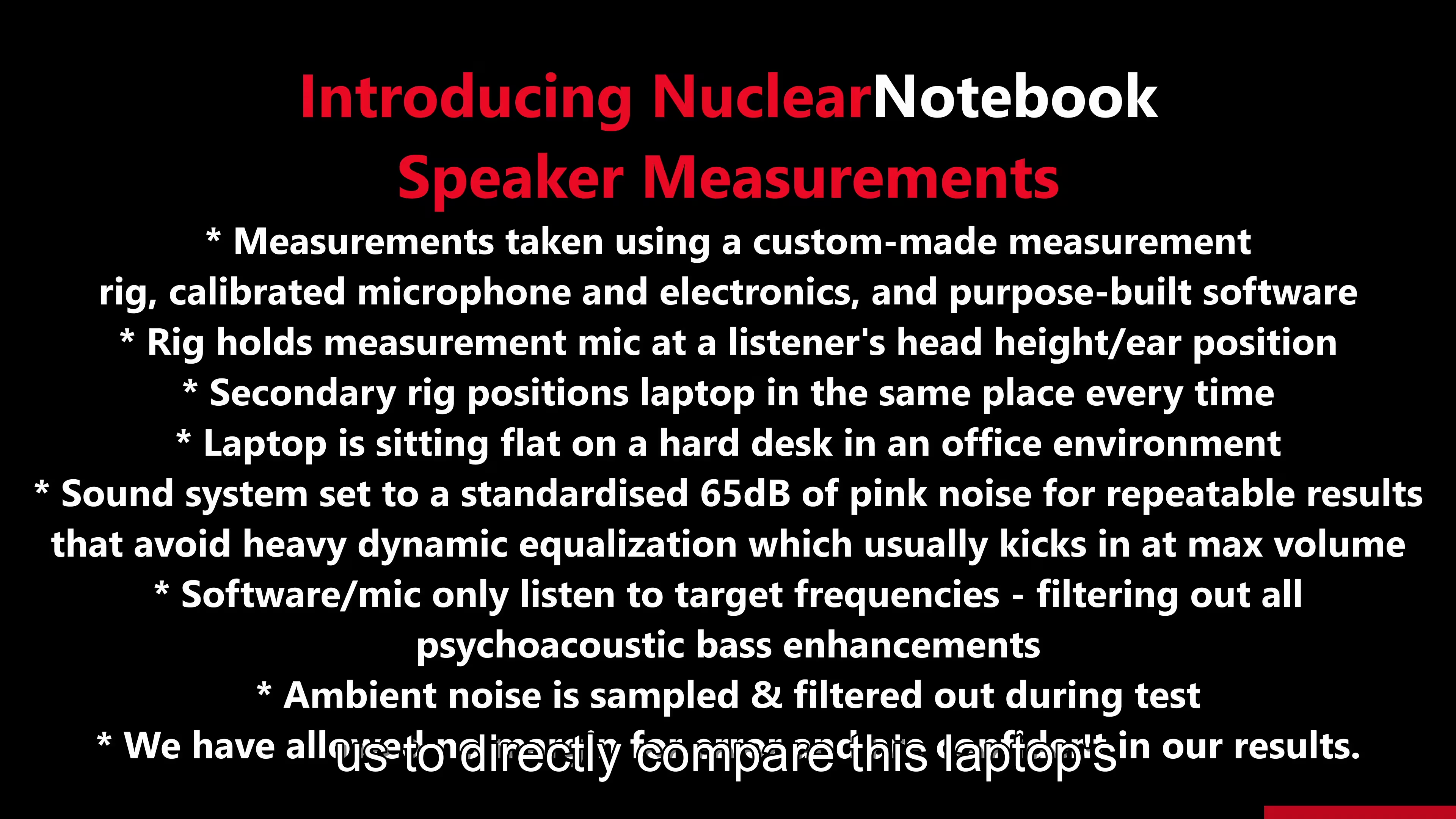
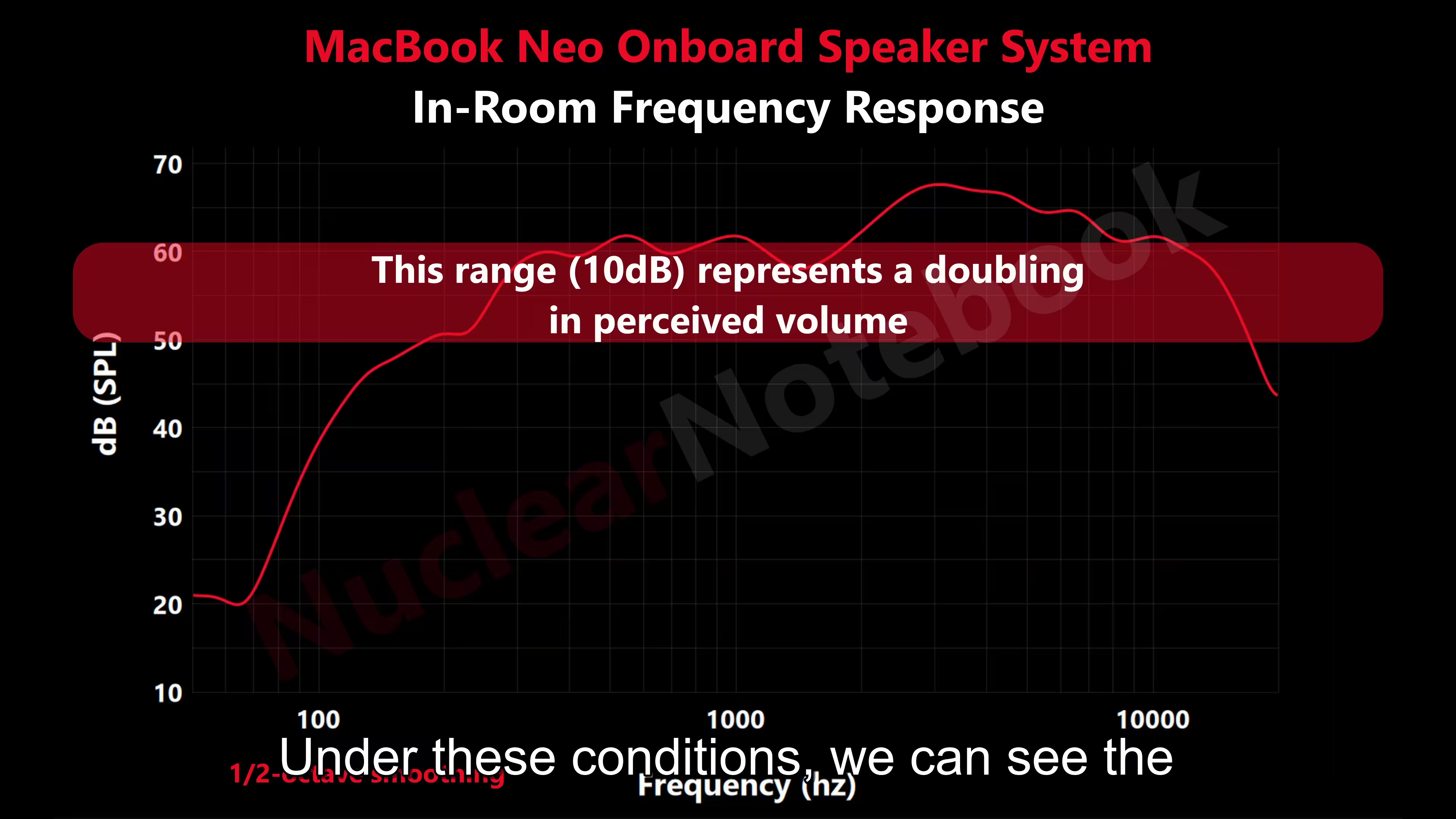
- Feels Cheap: Screen Choppy, Mushy Touchpad, Keyboard feels of low quality, Low Speaker Sound.
- No Apps available to run that ran on the Apple Tablet? → To confirm this.
- Trackpad keeps ignoring taps on some units. #TODO to confirm if this is a prevelant issue
- Camera is terrible. AI worsens the video during meetings.
- #TODO: Many reviews says it's too slow. Have to confirm this.
- #TODO: A few reports of image burn-ins within just a few minutes of usage
Specs
- Farther away USB is USB 3 and the closer one is USB 3. The USB 3 can support display output but not thunderbolt speeds.
Pictures

References
- Battery is considered "consumed" after 1000 charge cycles which is same as other Mac Laptops so no issues there
- Severe ghosting on some units And another post
- Older Macbooks died due to no temperature hard limit - Allan Jones Comment
- Exciting discussion about reviews vs. actual use cases of products
- Trackpad issues
- Pretty Decent Review
- Real-world Peformance Test
- Macbook Neo vs. iPad
- MacBook new different from other MacBooks
- Nuclear Notebook Review