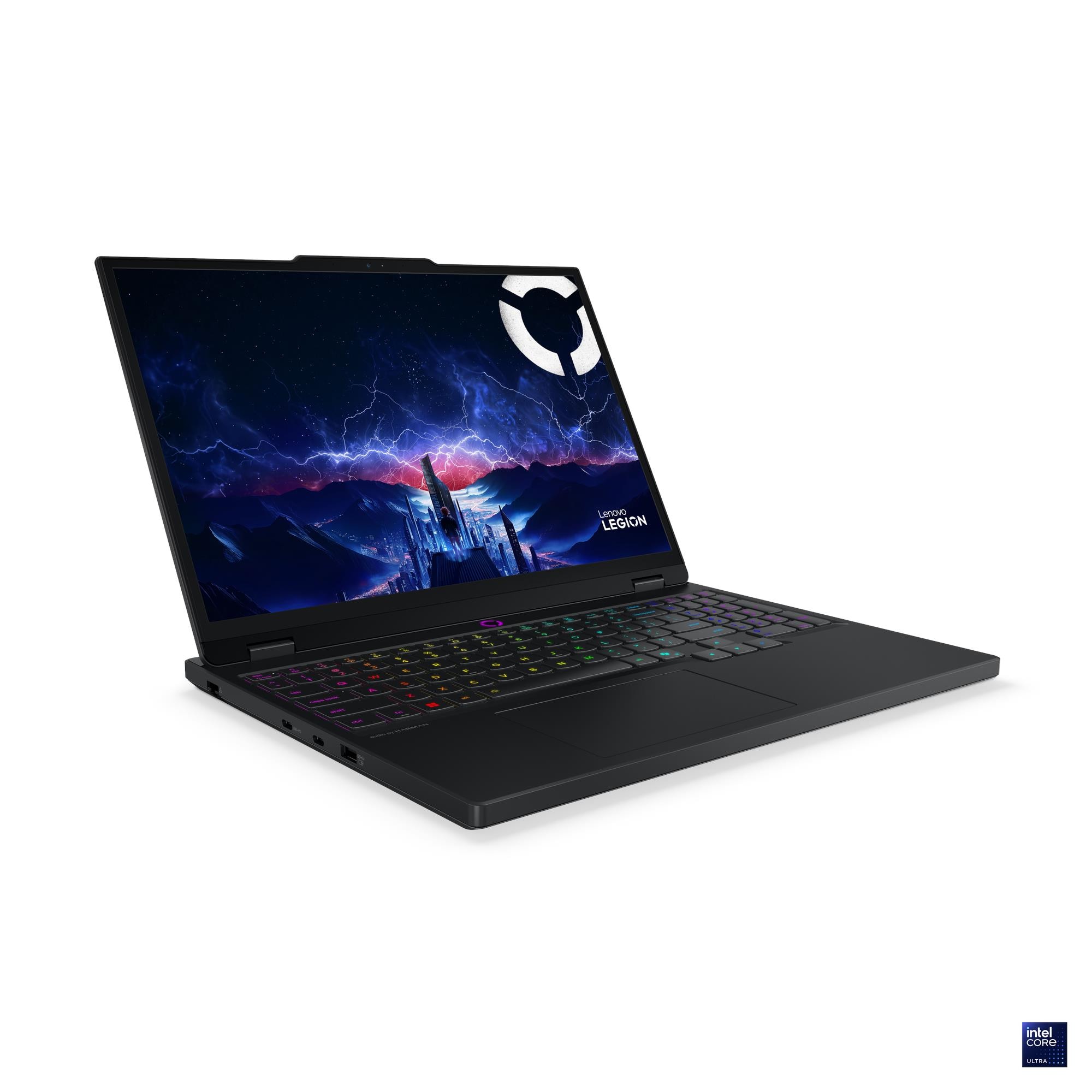
All I need is the CPU performance in this laptop when limted to safe temperatures for 85°C which is the only thing that's holding me back to finalzing this review.
Premium Legion series but sold only a bit more than the budget LOQ series. Weird position and there have been cuts to achieve this.
For example, last Legions had 350nits in the cheapest models and even 500nits in the same lineup in IPS but now they have added the same old 300nits panel.
Suddenly reviewers have started to brand the 13650HX versions as, "a budget machine" based on the cooling
solutions it has.
OLED panel is excellent if you can use it in places without reflections and are not affected by PWM flickering.
No VRAM changes between 5050, 5060 & 5070 means what you should get comes down to value for money.
Cautions
CPU requires tuning to make sure it doesn't run at 95°C while doing CPU heavy tasks/games. Mere performance mode change is not enough.
Don't check reviews of the earlier 13650HX 4060 to make a decision on this. Things have changed.
Battery: Don't buy this laptop if you can't get 80Wh battery.
Lenovo has sneakily tried to put many 60Whr variants in many many markets and even though this is an HX
laptop CPU, the fact that it's a premium laptop and you are paying a high price for it means you should get
premium features and one of them is a large battery. LOQs the budget laptops are being sold with 60Whr
battery.
If you get OLED, be sure to check you're not affected by PWM Dimming first:
OLED so PWM under 44% brightness. Check you are not affected by PWM dimming.
There are some people who are effected by PWM(or very fast flickering lights) and have a lot of headaches.
It's a small percentage of people and you should figure out if you're effected by this before getting this
laptop.
Two vents so regular fan cleaning required. No need to remove the thermal module, just the fan blades with a
brush is fine.
There are good reasons to turn off DLSS so
only check gaming benchmarks without that.
Even though laptop says PD charging of upto 140W, that's only with special Lenovo Charger which is hard to get
in many markets.
For everyone else it's just 100W max from PD.
Also, I have seen that such PD
chargers don't work with gaming laptops unless they are sleeping which is no use to anyone really.
Why does it say 5050 Max-Q Mobile in HWinfo even when it's the maximum 115W?
Pros/Cons
Pros
Newer Legion Design(Nvidia 5000series) is better than before and the CPU can take higher power while remaining the same or cooler compared to previous CPU.
Lenovo's cooling system allows the 13650HX to maintain it's default clocks in long terms tests but this comes at the cost of high temperatre and noisy fans. Even in quite mode it doesn't drop below the base clcok speed.
CPU only workload in performance mode at just 88W-105W stabilizes at 96°C and 88°C in Balance Mode, so limited temperatrues on the CPU is mandatory.
13650HX at it's base 55W stays cool and under 85°C.
GPU:
5060
At 101W stays just below the NVIDIA's limit of 87°C.
Display even the IPS one is accurate for normal gaming and movie watching. For professionals and color critical
work, the OLED is the way to go.
Dolby Vision®, TÜV Low Blue Light, 15.3″ WUXGA (1920 x 1200) LCD with plastic lid, IPS, 16:10, 165Hz, 100% sRGB, 300nits, Dolby Vision® support, TÜV Rheinland® Certified, X-Rite™ Certified
13650HX upto 4800Mhz only.
Even though Lenovo says maximum of 32GB that has been proven false many times. They only have tested with
32GBs so that they can sell more expensive laptops.
Even though the IPS display moodel is all plastic, it's still strongy built.
Relatively small size for a 15" laptop and fits in most bags easily and both the IPS and OLED models are around 2kgs which is unusual for a gaming laptop, they usually surpass 2.3kgs. 2kgs is often mentioned by thin laptops and they often are 1.8kgs.
OLED model is lighter and thinner and top is made of aluminimu.
However, the charger weighs 600gms in itself.
Keyboard's WASD and touchpad, the numpad and the arrow keys remains cool even if the laptop is running on heavy workload
dGPU and iGPU mode to increase battery life and get maximum performance on power.
Neutral
Neutral-Good
Don't expect the rated 3-4 hrs battery life at all from any configuration though with light loads and some
tweaks you can still get these numbers.
Max Battery Life[1]
Models with 60Wh battery:
MobileMark® 30@250nits: 3.1 hr
Local video (1080p) playback@150nits: 6.1 hr
Models with 80Wh battery:
MobileMark® 30@250nits: 4.2 hr
Local video (1080p) playback@150nits: 9 hr
SSD in some regions is pretty good for a gen 4 drive and also remains cool.
Non-gamery look so you can sneak with the laptop like a ninja
Keyboard is pretty good and standard for all Lenovo devies and also has a numpad with proper size arrow keys.
Good speakers
Neutral-Doesn't matter
The IPS display is 100% sRGB so good enough for most people but that is expected at this price point anyways.
Since HDMI and poower is at the back you can make a desktop setup with this with wireless keyboard and mouse.
Extreme mode fans can be quite loud.
Neutral-Bad
The CPU is the older 13650HX with the max RAM speed of 4800Mhz.
All plastic body: the IPS model. OLED still has some metal.
The touchpad is okay if you don't press down on it and only tap it.
60Whr battery is pretty low and can barely give 3 hours in just vdieo playback that's why i said skip the model with 60Whr battery. If you get model with higher resolution screen and also upgrade the battery, the battery life will be quite same.
Cons
13650HX in performance modes sustains at 96°C@105W. In balance mode the CPU runs slower at 88°C and in quiet mode does it go down to 81°C at much lower clock speeds.
5060 GPU hits it's thermal limit of 87°C set my Nvidia at 100W+. It drops down from this limit at 94W in Performance mode.
Using the laptop in desktop mode requires the laptop to be propped up, the fact that you will have to plug in a USB hub on the sides of the laptop, into a USB that's directly connected to the motherboard(right side is not directly connected but they are very very slow).
Ports are scattered all over so no more clean setup.
Advanced optimus might be missing, need to confirm this from other reviews. basically no need too restart laptop when swtichign form dGPU to iGPU mode, saves mainly battery life
Power Profiles & Fan Speeds Lenovo Legion 5i (15IRX10)
Power Mode
P-Cores
E-Cores
CPU Temp.
Fan Speed
Performance
3.31 GHz
2.67 GHz
96°C
4900 RPM
Balance
3.00 GHz
2.36 GHz
88°C
4000 RPM
Quiet
2.62 GHz
2.07 GHz
81°C
3000 RPM
GPU: 5060
    3D Mark Timespy Graphics: 12,771 13,179(OC)
    3D Mark Steel Noma: 2,784 2,861(OC)
GPU Load Test RTX 5060
Laptop Model
Core Clock
Chip Temp.
Mem. Temp.
GPU Power
Fan Speed
Noise
Lenovo Legion 5i (15IRX10)
2726 MHz
87 °C
70 °C
101 W
5400 RPM
53 dBA
Lenovo Legion 5i (15IRX10)
Power Mode
Core Clock
Chip Temp.
Mem. Temp.
GPU Power
Fan RPM
Noise
Performance
2647 MHz
86 °C
70 °C
94 W
4900 RPM
50 dBA
Balance
2482 MHz
82 °C
70 °C
81 W
4000 RPM
43 dBA
Quiet
1875 MHz
69 °C
68 °C
53 W
3000 RPM
35 dBA
Game Benchmarks
 No Upscaling/DLSS
Native Resolution Game Tests 1920x1200
Alan Wake 2: 52 FPS
Baldur's Gate 3: 78 FPS
Counter-Strike 2: 225 FPS
Cyberpunk 2077: 80 FPS
Elden Ring: 109 FPS
Indiana Jones and the Great Circle: 56 FPS
Kingdom Come 2: 76 FPS
Space Marine 2: 73 FPS
Spider-Man 2: 50 FPS
STALKER 2: Heart of Chornobyl: 57 FPS
Starfield: 48 FPS
The Last of Us Part II Remastered: 63 FPS
Pictures
Cautions Pictures
Right side USB ports are not connected directly to the motherboard and so should be preferred for longer usageLeft Side of the ports are directly connected to the moteherboard and hence can cause issues in longer usage.