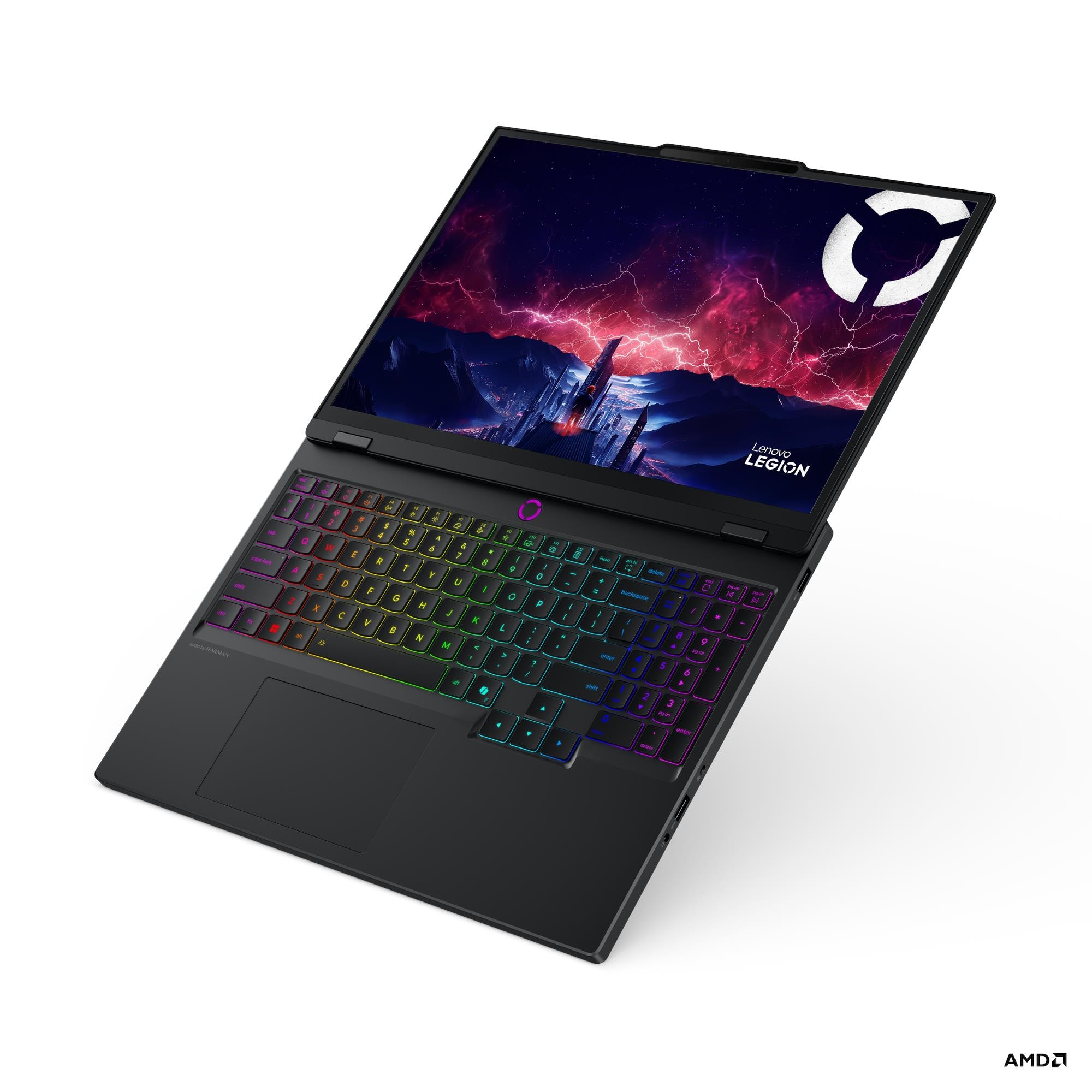
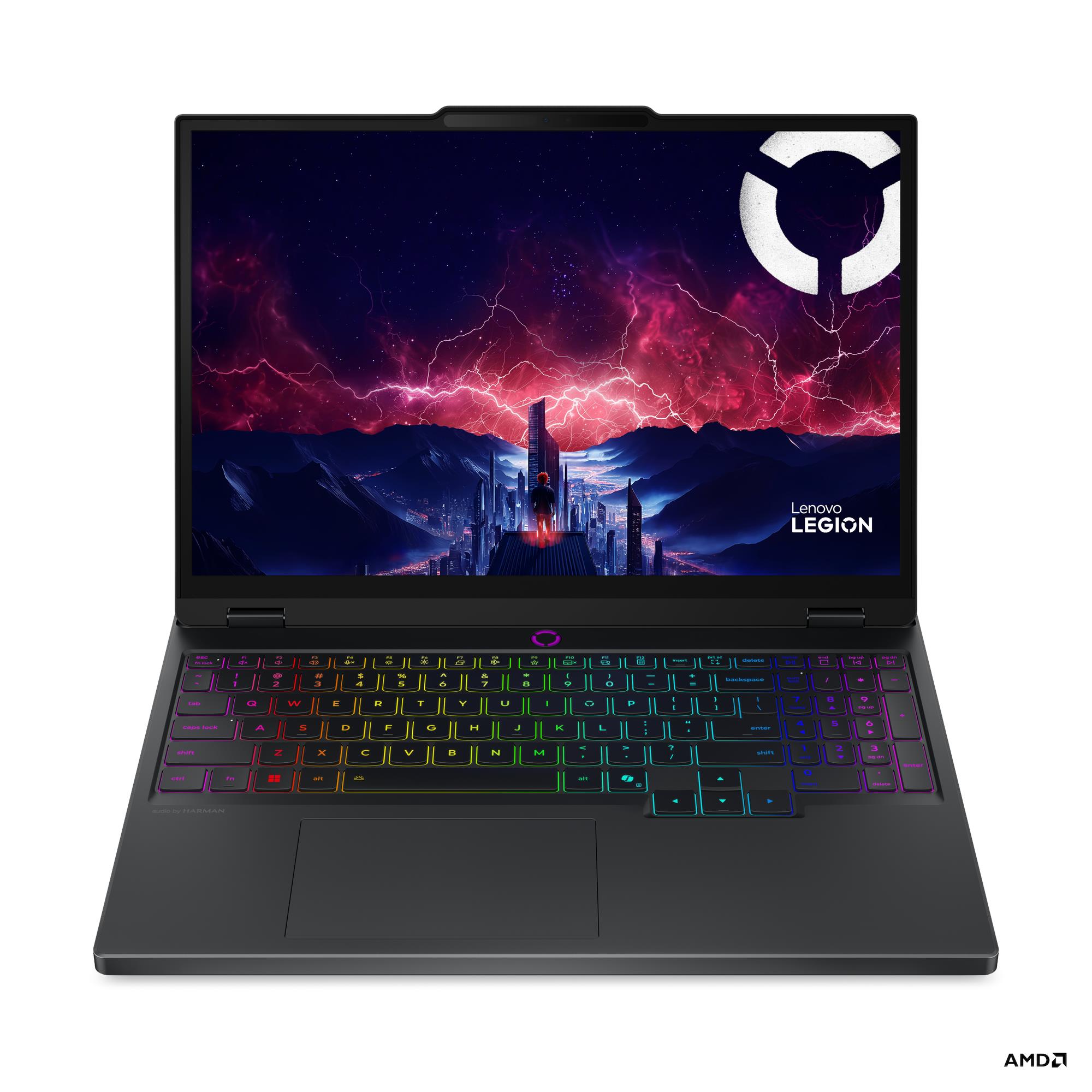
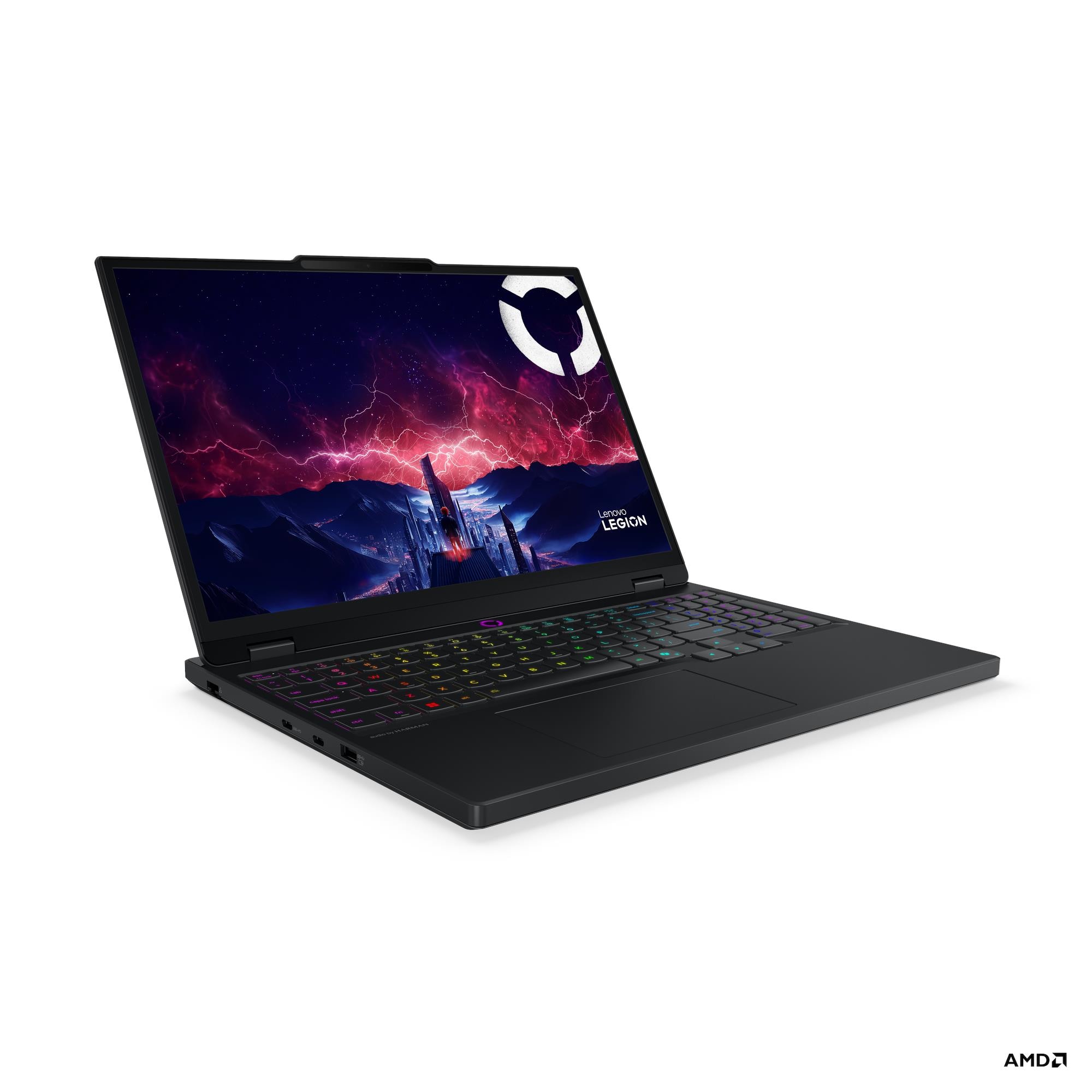
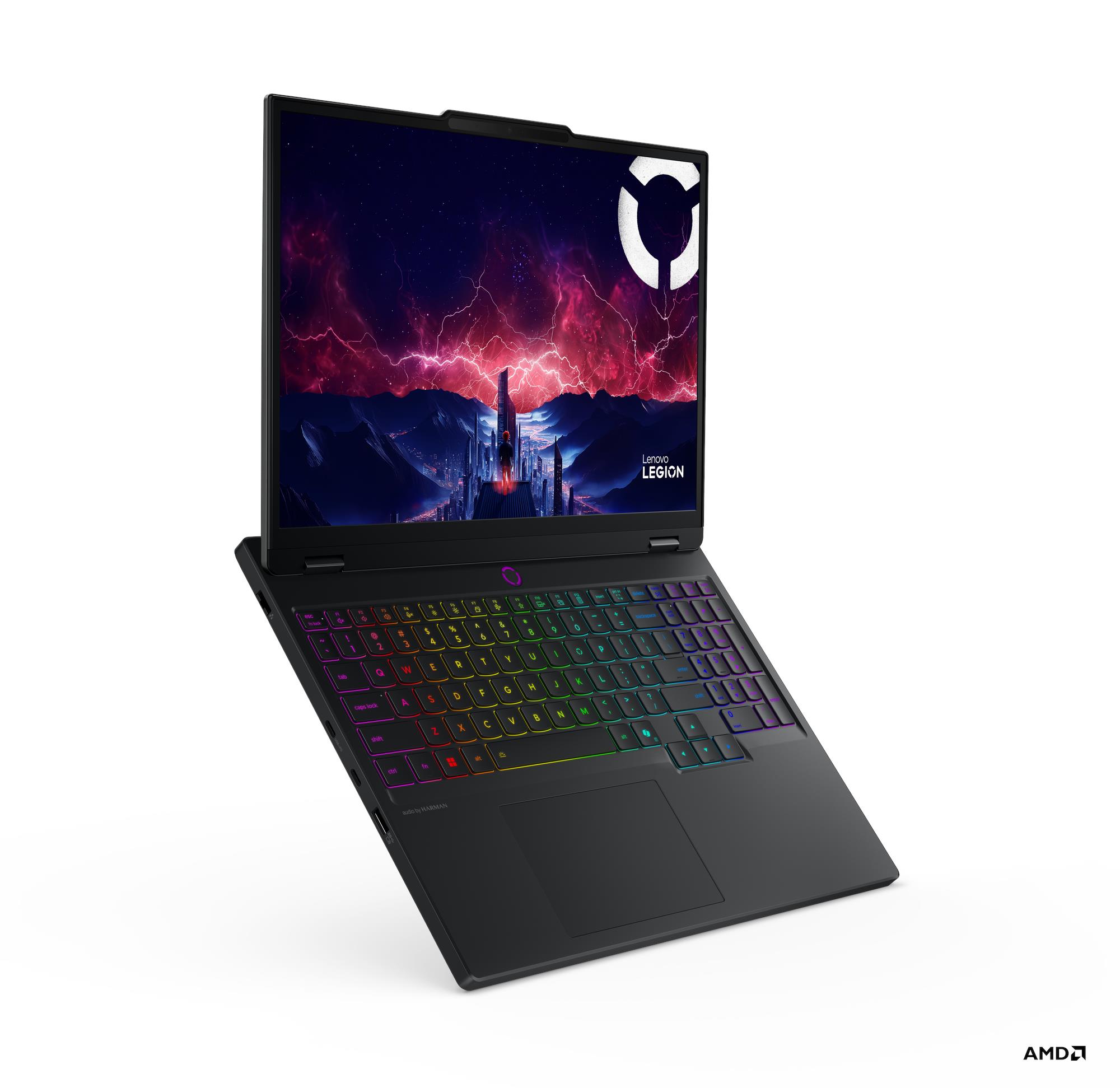
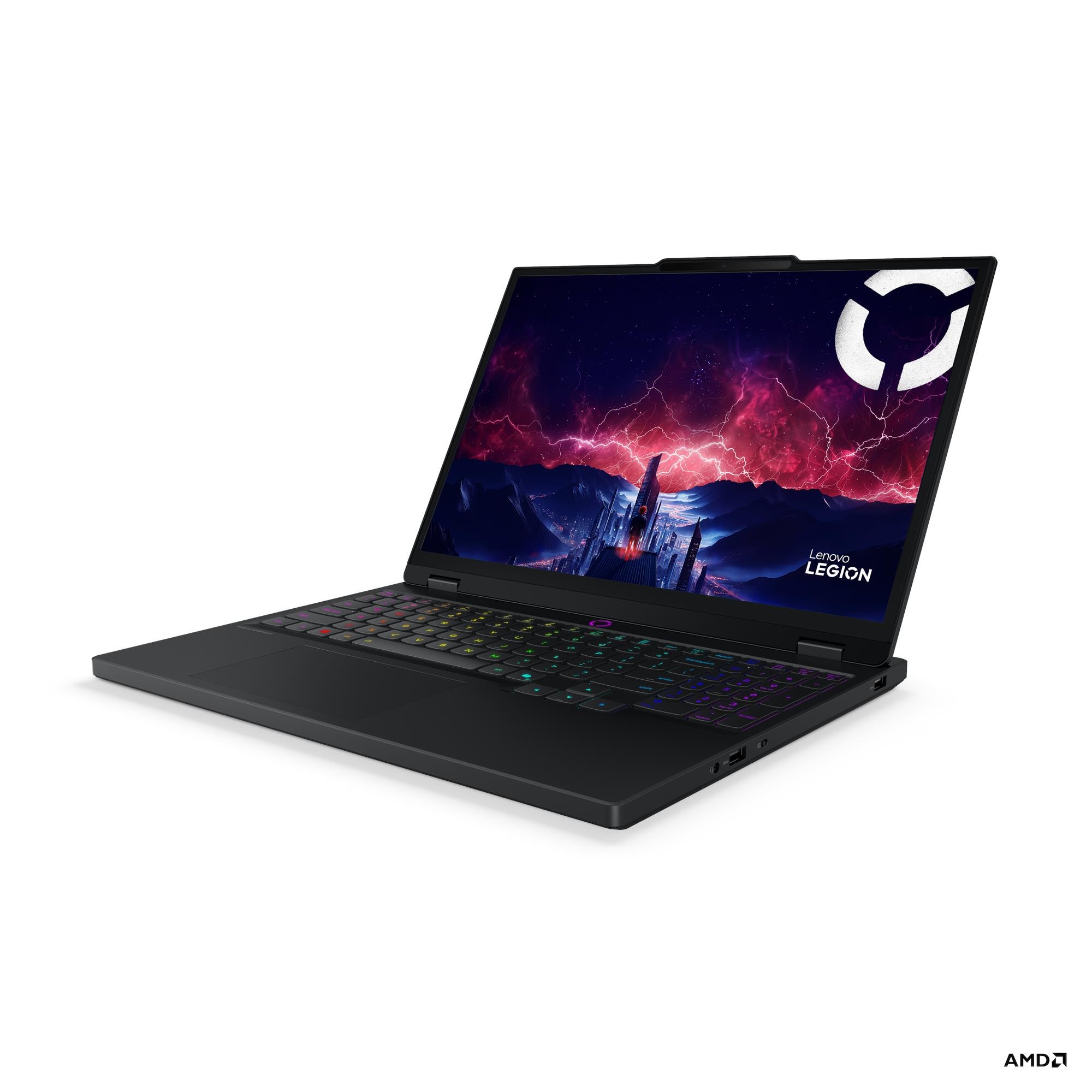
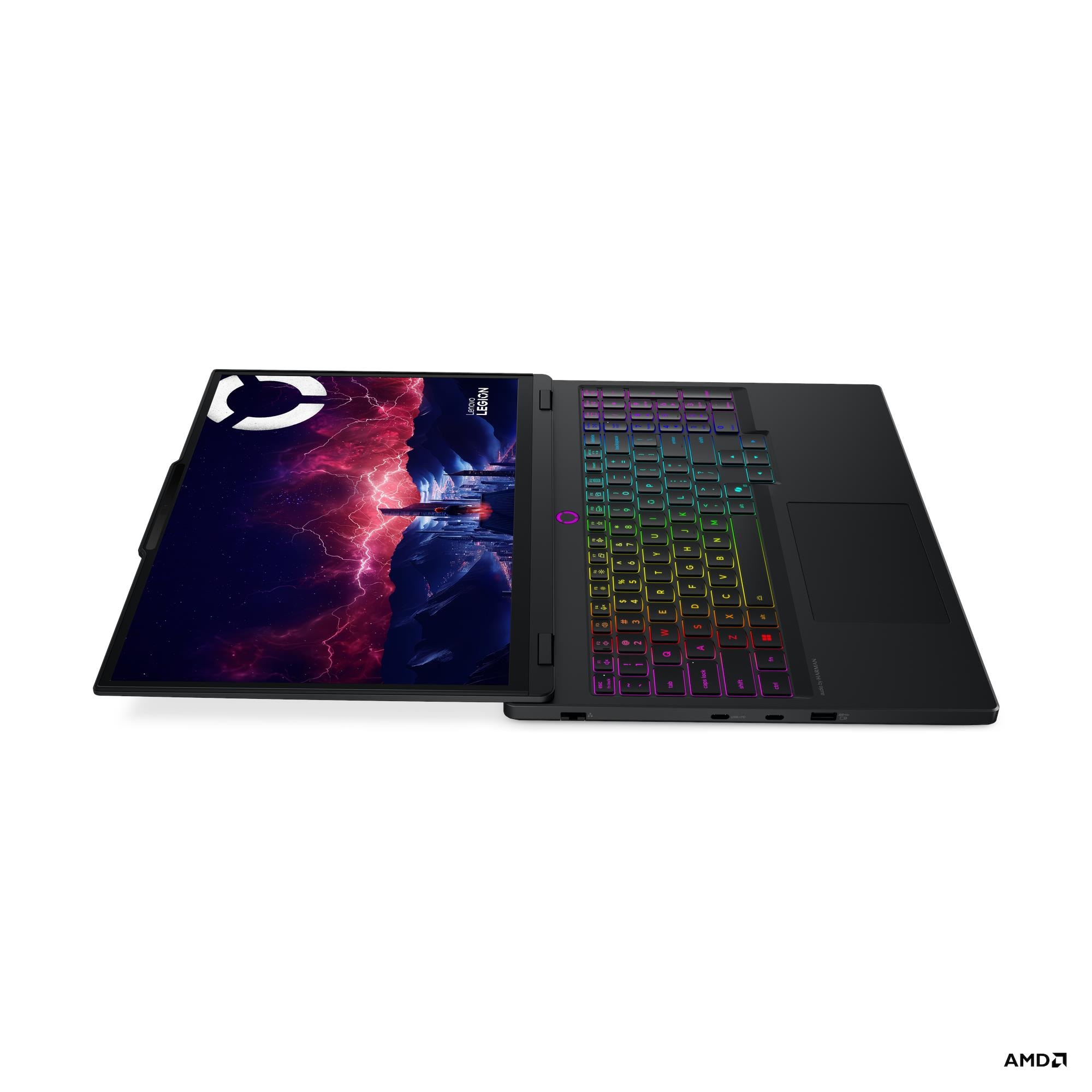
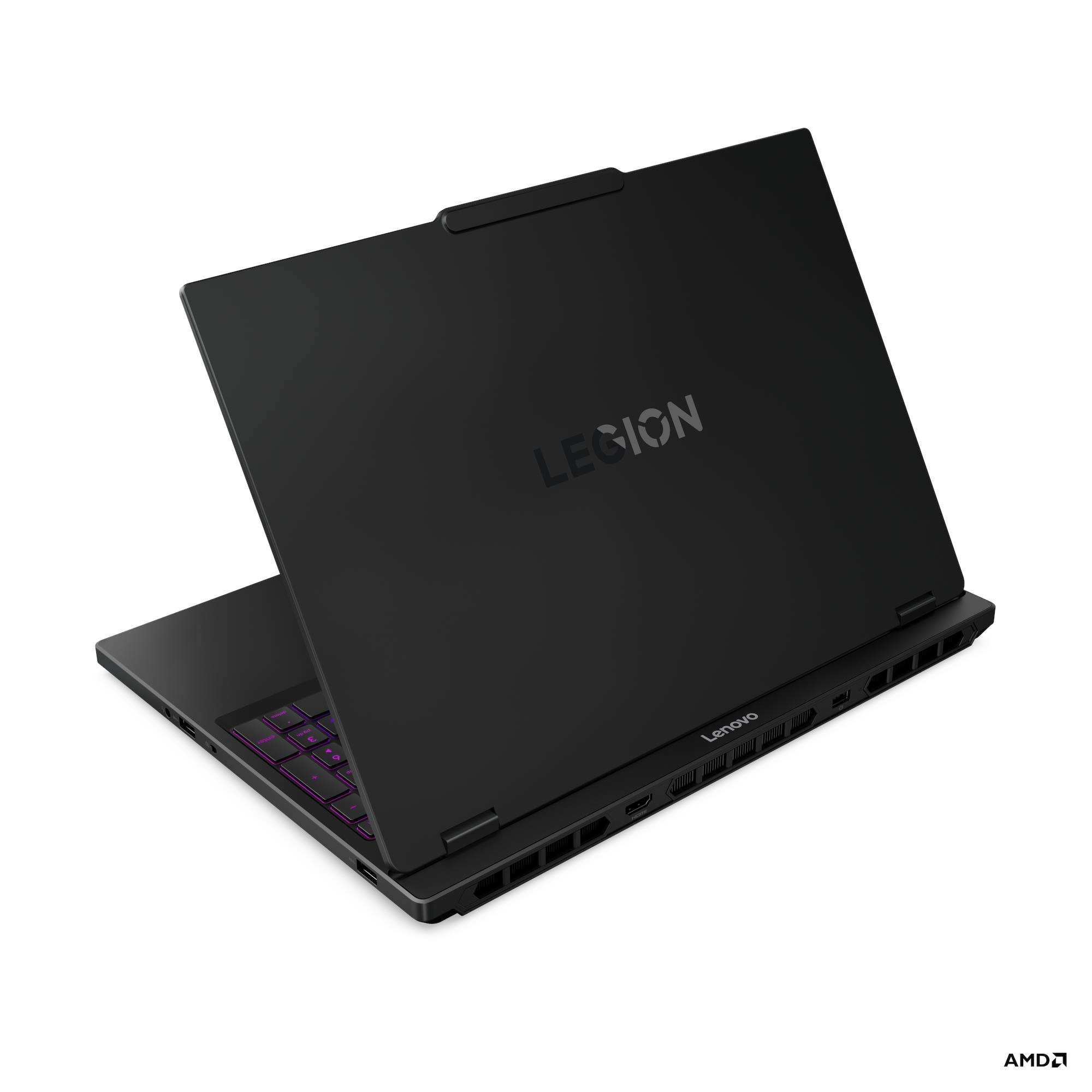
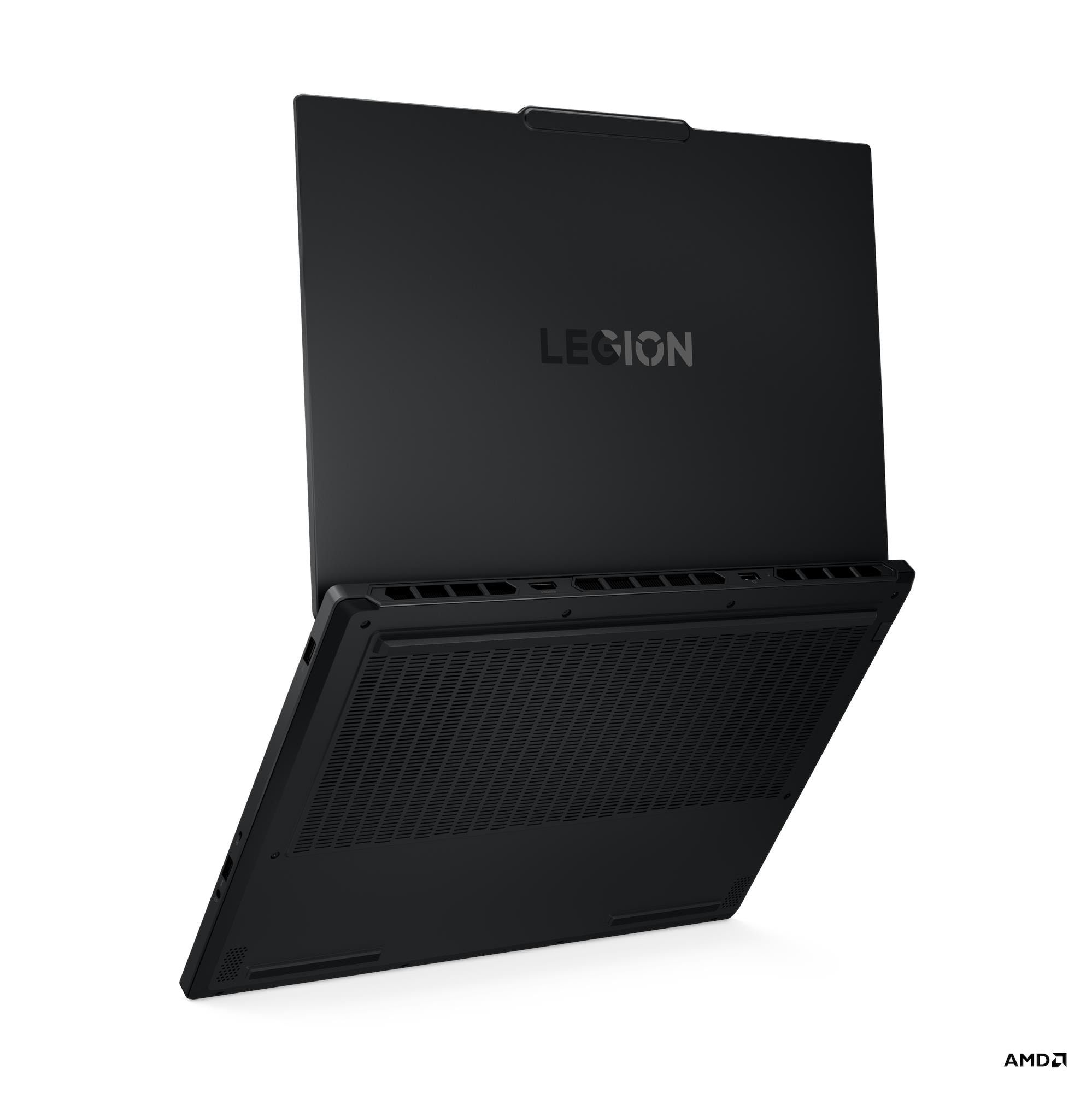
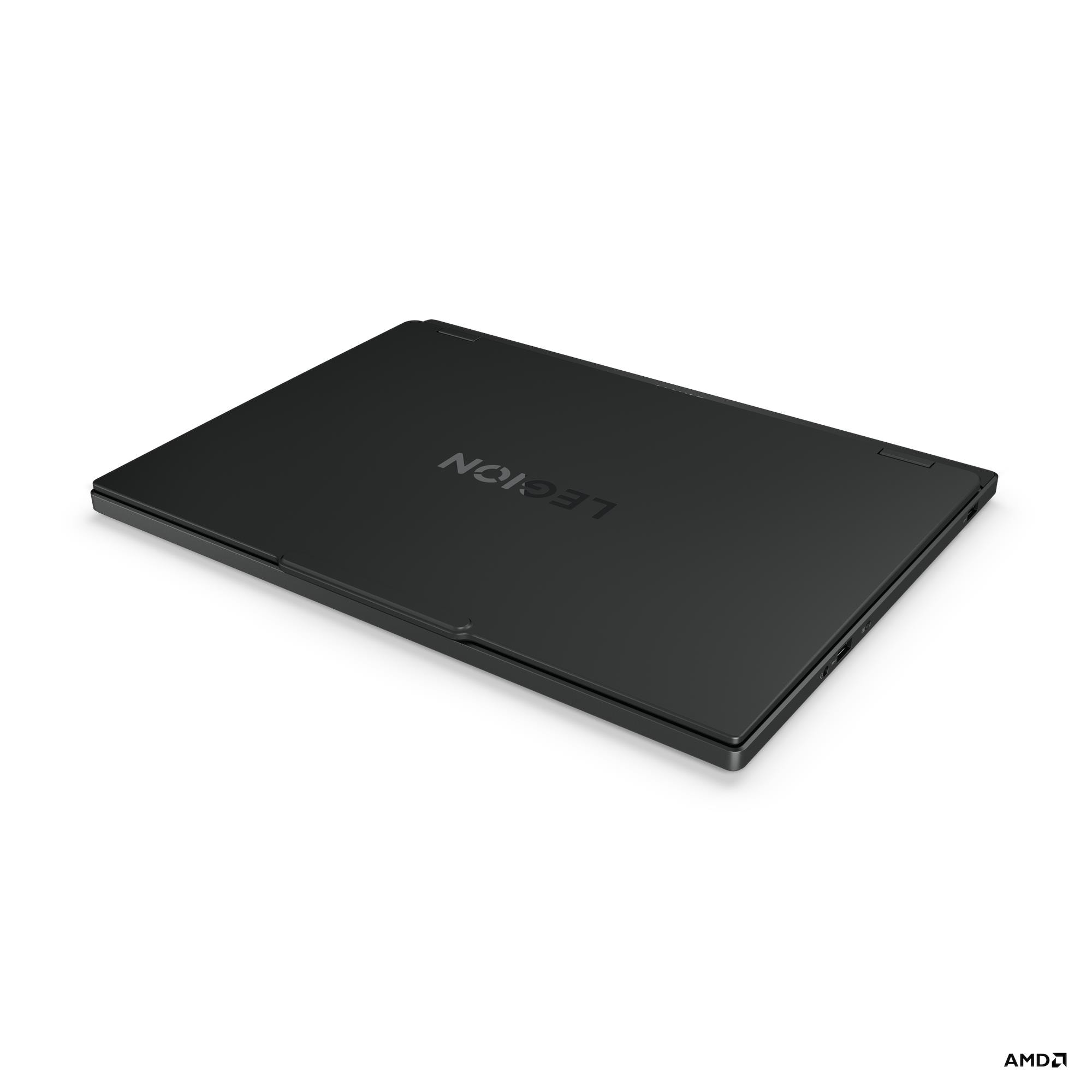
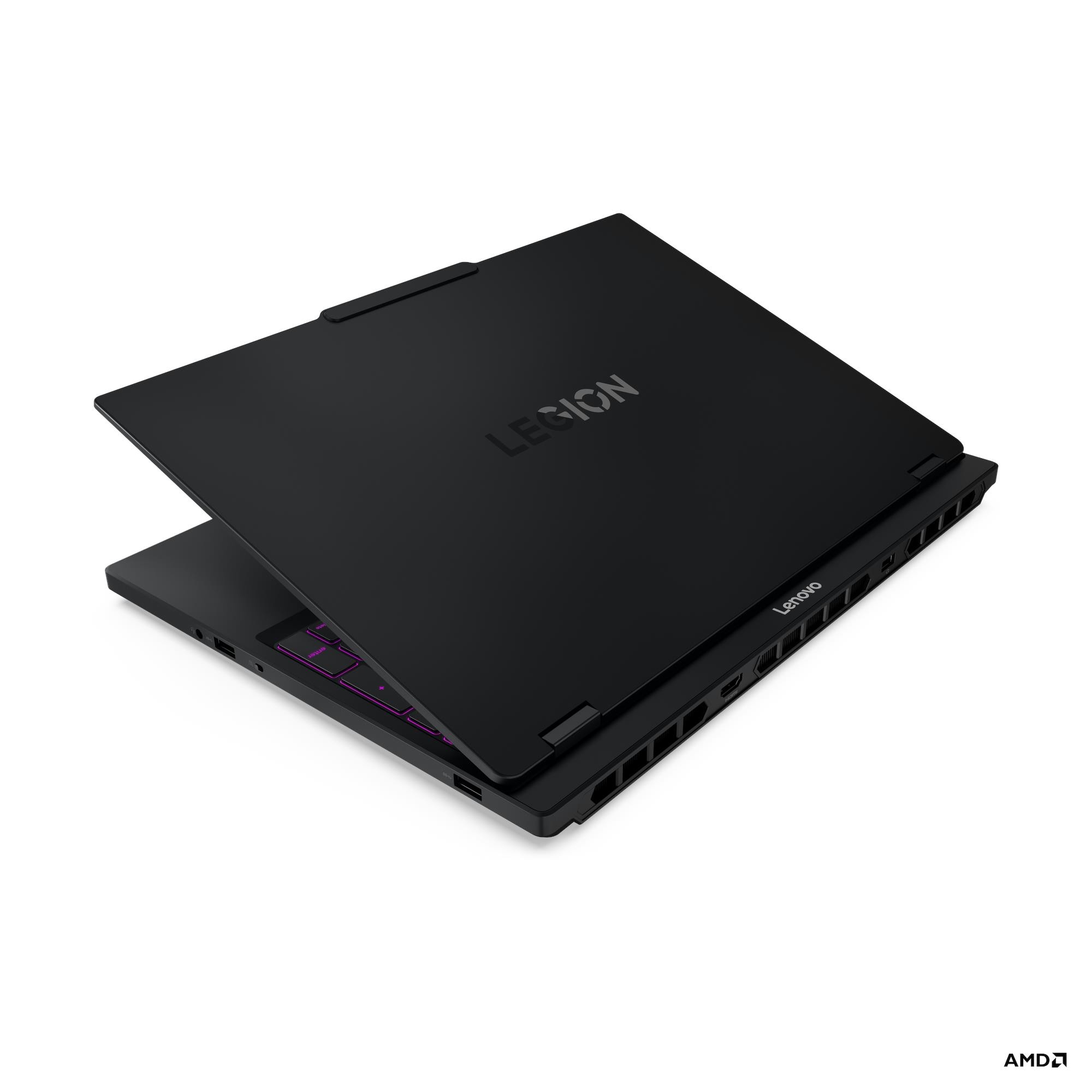
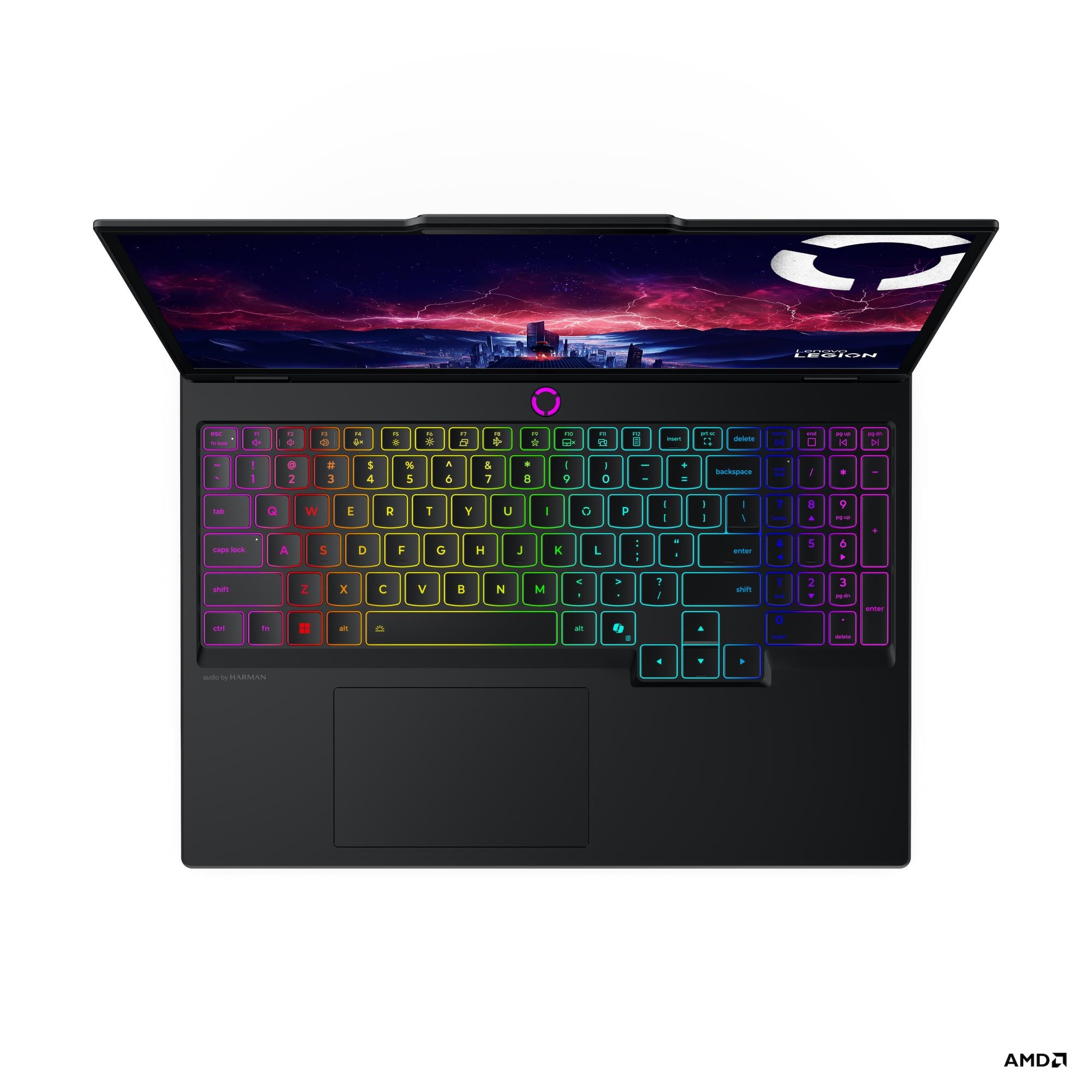
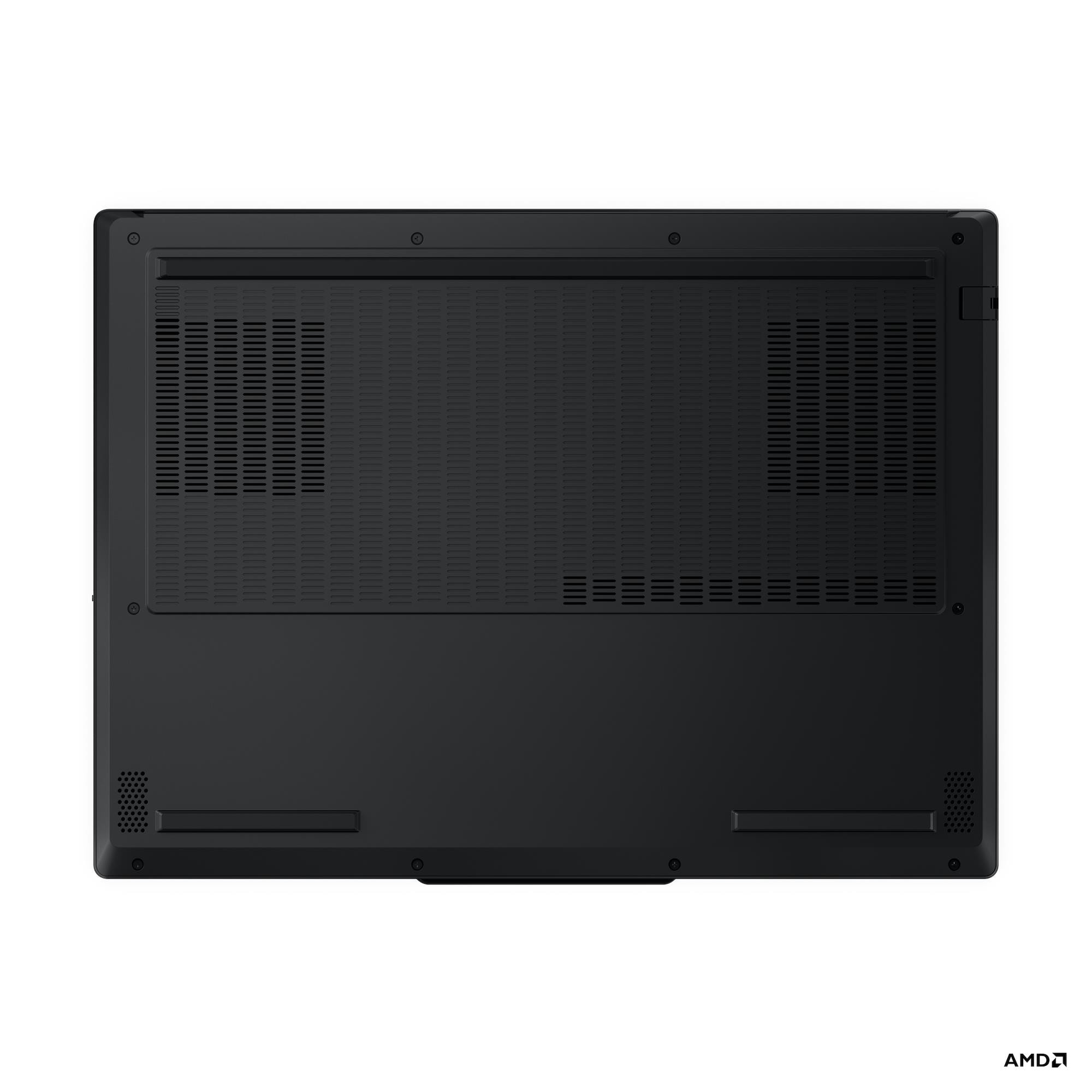
India/Hindi Version Video will be live when and if the laptop launches in IndiaWorld except India/English Video
This laptop is awfully similar to the Legion 250 5060 so check that reviews of other things than thermals and heat however, I have tried to cover them here nonetheless.
This is an easy recommendation from me especially for students.
Good ports, comfortable keyboard, RAM and SSD upgrade options, GPU good and having the AMD CPU means good battery life for a gaming laptop.
OLED panel is excellent if you can use it in places without reflections.
CPU is bit better than the 250 in the Legion 250 5060 and there is an option of 5070 here.
No VRAM changes between 5050, 5060 & 5070 means what you should get comes down to value for money.
Caution: VVI If you're buying
OLED, so be sure to check you're not affected by PWM Dimming first:
OLED so PWM under 44% brightness. Check you are not affected by PWM dimming.
There are some people who are effected by PWM(or very fast flickering lights) and have a lot of headaches. It's a small percentage of people and you should figure out if you're effected by this before getting this laptop.
Two vents so regular fan cleaning required. No need to remove the thermal module, just the fan blades with a brush is fine.
There are good reasons to turn off DLSS so only check gaming benchmarks without that.
Even though laptop says PD charging of upto 140W, that's only with special Lenovo Charger which is hard to get in many markets.
For everyone else it's just 100W max from PD.
Also, I have seen that such PD chargers don't work with gaming laptops unless they are sleeping which is no use to anyone really.
To confirm later/In doubt stuff:
Extra unrelated stuff:
Jarod did a custom maxxed out performance test with the CPU and got 94°C.
I belive that test was completely irrelevent since the CPU gives it's maximum performnace at a mere 65W and also it's best scores. There was no need to push the CPU beyond what is genuinely required.
However, this does bring out the Lenovo CPU aggressive optimization thing that I talkeda bout in Legion 260 5060 review and really, Lenovo should consider not pushing the CPU beyond the limit where no more performance can be gained.
P.S: A much better test would have been to show the actual wattage of the CPU and the scores it was giving my limiting it to various wattage. That would have told the complete story. Atleast that's what I would have done.
P.P.S: This is important when you start to compare with Intel CPUs which give great short term performance but lower performance by a lot in long term tests making the short term benchmarks useless but youtubers don't seem to care about "long-term" when it comes to laptops.
Pros/Cons
Pros
CPU: 350
10%+ Single core performance than the 250 CPU on Legion
Gives it's maximum performance at 65W only compared to the 260 which needs to hit 75W+. This means less heat and better performance.
70°C@25W in custom extreme mode during combined CPU/GPU benchmarks
CPU performance difference between balanced and performance/custom-extreme is merely 3% so you get maximum performance in all modes.
GPU: 5070
Full 5070 performance in this laptop
Full 113W performance in performance mode
GPU: 5060
5060 laptop GPU 8GB VRAM: Fastest version of 5060 at 115W(90+25).
Completely stable performance under load in this laptop.
7% slower than 5070. 9% over the fastest 4060 laptop GPU.
Just slightly behind the 5070 in the Razer Blade 14
Gaming performance is good in 1080p resolution.
78°C @ 105W during gaming
81°C @ 94W during combined CPU/GPU stress test.
GPU: 5050
Both GPU and GPU memory temperatures are excellent and not reaching the thermal limit of 87 for GPU.
111W@85°C GPU and 80°C for GPU Memory
Battery
80Whr:
5.7hrs: MobileMark® 30@250nits: 5.7 hr
11.2 hr: Local video (1080p) playback@150nits
10hrs+: Watching Youtube
3hrs+: Witcher 3 gaming
IR Camera so windows hello login immediately
Laptop itself weight less than 2kgs now(1.9kg for OLED)
High System and Gaming Performance
Relatively small size for a 15" laptop and fits in most bags easily
OLED display:
has accurate sRGB and DCI-P3 color profiles so excellent for color accurate works like video editing or photo editing professionally.
is very good and bright and 165Hz and responsive also.
Neutral
Netural Good:
Better air circulation than the previous Legion models which were also having just two vents output
Good maintainance options
Good full size keyboard
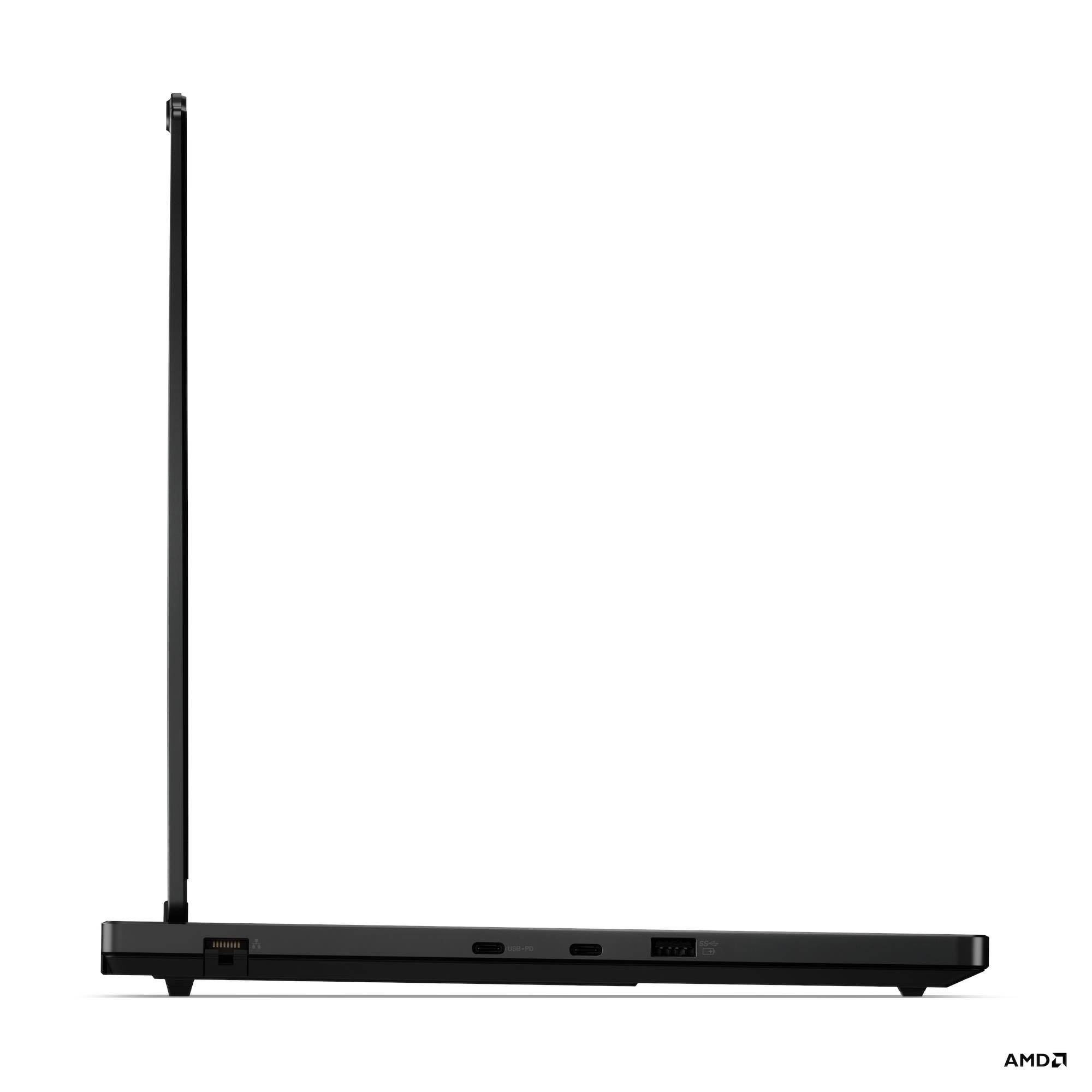
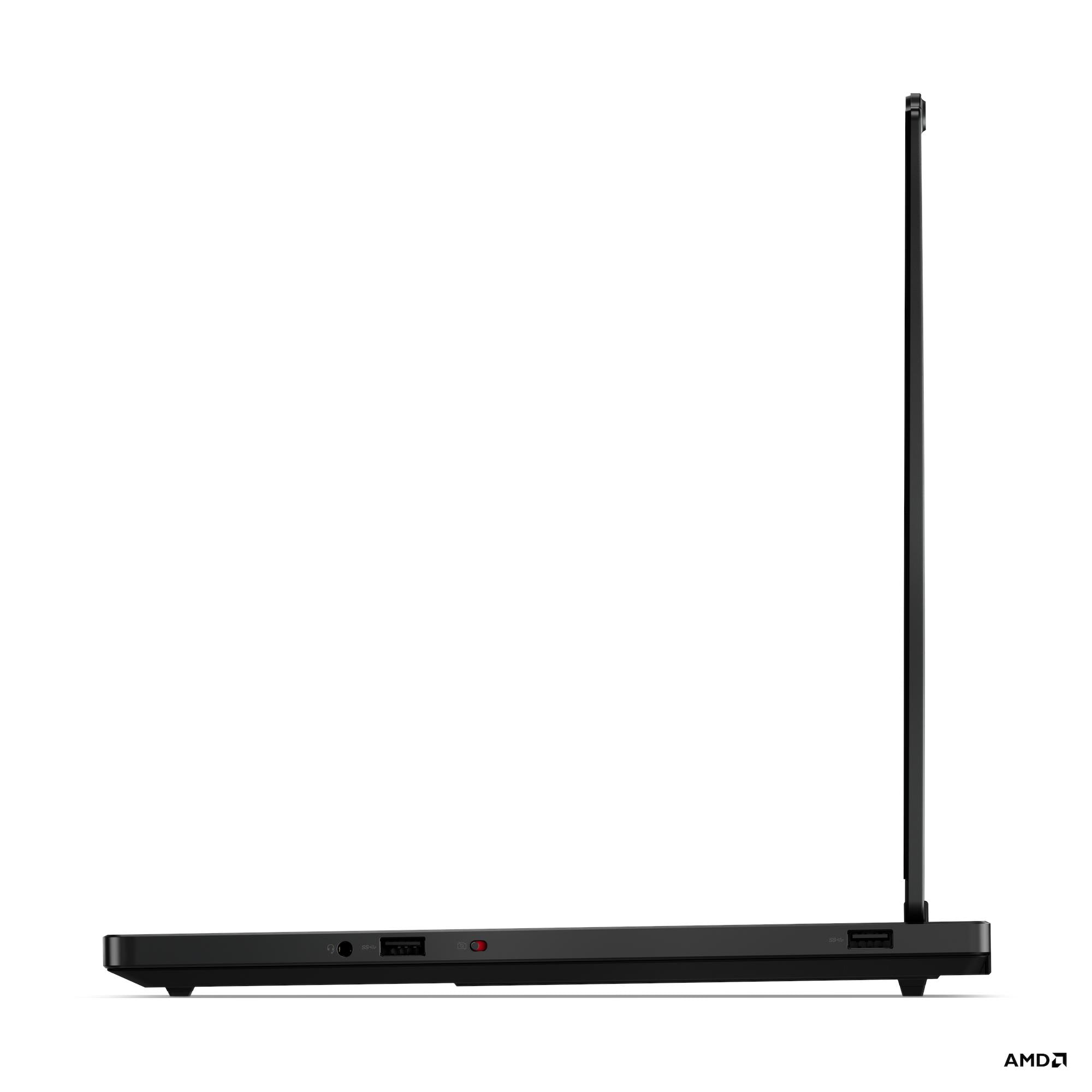
Good connectivity with USB4: 40Gbps as compared to 5GBps normally.
Good sturdy laptop. No creaking noise, strong feeling hinge.
Upgradable RAM/SSD and access to Hardware Manual.
Good touchpad as long as you stick to taps and double taps and not try to click the button.
Lenovo provides it's own software to download accurate color profiles files which are very accurate.
One handed open laptop.
Neutral Doesn't Matter:
Aluminium for Lid and plastic for body
USB4 port is connected to the iGPU so in rare cases when you have to plug laptop in a monitor but not a charger it will give you a better battery life.
Included SSD is of good speeds in different markets.
Wi-Fi speeds are okay.
Neutral Bad:
No SD Card Reader
Camera is meh, just usable
Ports are all around the laptop so no clean setup like before where all major ports were in the back. In the back there is only power and HDMI.
Bottom sides gets heated up during high performance workloads.
Cons
CPU performance is the same as the AMD's 250 CPU or the 8845HS or the age old 7840HS and equal to 13700H and even beated by 185H
The lack of four vents like before and Lenovo's aggressive CPU tuning hurt the CPU temperatures in long high workloads when pushed to the limits
OLED: Glossy screen so hard to use in room with lights and outdoors and you will have to check if you are effected by PWM
Just okay speakers, expected something decent at this price point.
No advanced optimus so switching between dGPU/iGPU requires a restart
Benchmarks
CPU
350 performs awfully similar to 250
Only 3% performance drop in Cinebench2024 CPU going from custom to performance